
Step Security Adds Browser Extension Inventory to Dev Machine Guard
Summary
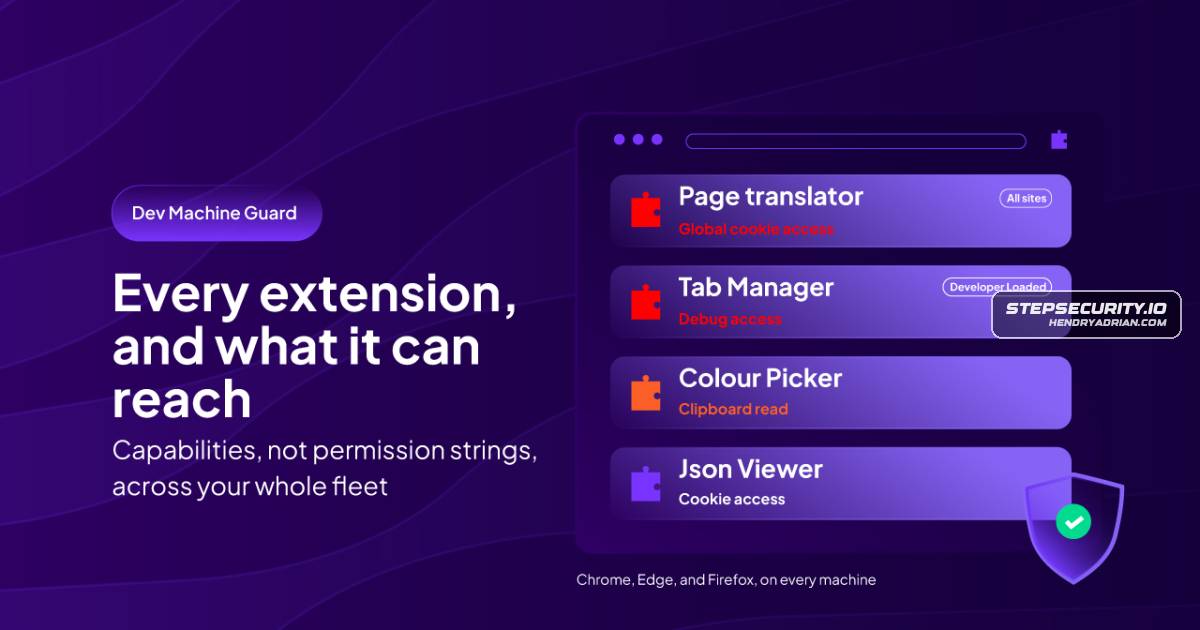
Step Security added browser-extension inventory to Dev Machine Guard, showing extension versions, provenance, effective capabilities and affected devices across Chrome, Edge and Firefox on macOS, Windows and Linux. Scanning reads browser state files only.
Key points
- The new dashboard page provides fleet-wide extension inventory, including IDs, versions, stores, affected-device counts and last-seen times.
- It maps browser-enforced permissions to ten named capabilities, including cookie access, script injection and debugger access; fleet-level capabilities are confirmed on at least one device.
- The inventory distinguishes known-store, self-hosted, no-store and unknown origins, and flags external installation methods and certain delisted or flagged Chromium extensions.
- Teams can filter by capability, browser and store, export the inventory, and find devices running a specific extension version.
- The feature covers Chrome, Edge and Firefox on macOS, Windows and Linux; Firefox store provenance may remain unknown, and marketplace status can lag.
- The agent reads browser extension state files without launching browsers or contacting extension stores; the article says it does not collect browsing history, cookies, saved passwords, page content or profile names.
- Scanning is included from agent v1.16.0; macOS requires Full Disk Access for complete results.
Article Details
- Event Type
- Security product feature release
- Impact
- StepSecurity added browser-extension inventory to Dev Machine Guard, providing fleet-wide visibility into installed extensions, their effective capabilities, provenance, versions, and affected devices across Chrome, Edge, and Firefox. The article reports no new security incident.
Malware
Vendors
Products
Dev Machine GuardDev Machine Guard now inventories browser extensions installed on developer machines. A new Browser Extensions page in the StepSecurity dashboard shows every extension detected across your fleet, what the browser isEdgename, extension id, browser, store, version, how many devices run it, and when it was last seen. Chrome, Edge, and Firefox are covered on macOS, Windows, and Linux, including Firefox under snap and flatpak and EdgeGoogle Chromestill lack a unified cross-browser inventory across their developer machines. A developer clicks Add to Chrome, accepts a consent dialog, and it is done. No procurement step, no review gate, and usually no recordMozilla Firefoxid, browser, store, version, how many devices run it, and when it was last seen. Chrome, Edge, and Firefox are covered on macOS, Windows, and Linux, including Firefox under snap and flatpak and Edge under flatpak.