
ShieldBreak PoC Uses Windows Defender Cleanup Race for SYSTEM Privilege Escalation
Summary
LevelBlue says it reproduced ShieldBreak on patched Windows 11 24H2 and Server 2025: a PoC that redirects Defender cleanup through a timing race to plant phoneinfo.dll, then triggers SYSTEM execution via QueueReporting.
Key points
- LevelBlue OpsCTI and THOR say they reproduced the full chain with August 2026 updates installed; the report says it runs from a standard user account with Defender in its default configuration.
- ShieldBreak combines a Cloud Files sync root and hydration callback with Object Manager namespace redirection and direct Windows Defender API calls.
- During Defender cleanup, the PoC locks a CLFS file and swaps a WD_SCAN symbolic link, redirecting the cleanup operation to plant phoneinfo.dll in System32.
- The PoC stages a Windows Error Report and triggers the QueueReporting task; the report says wermgr.exe then loads phoneinfo.dll for SYSTEM execution.
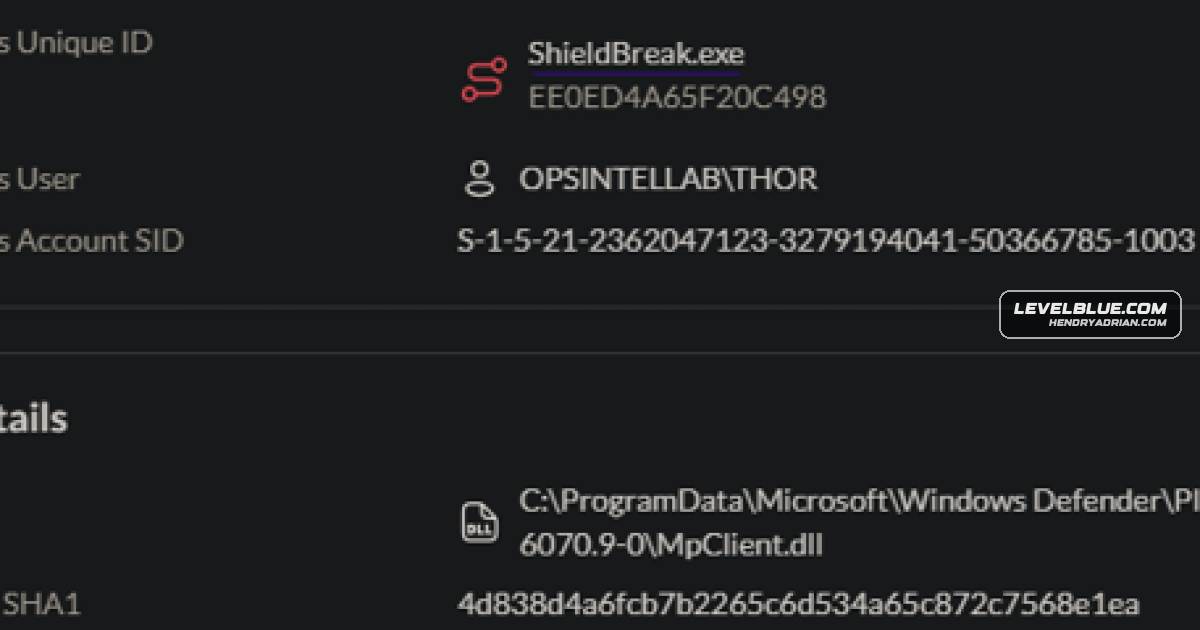
- The report recommends correlating behaviors such as unexpected MpClient.dll loading, Object Manager and Cloud Files activity, phoneinfo.dll creation, and the WER execution sequence.
- The article includes a YARA rule and SentinelOne hunting queries for ShieldBreak and related behaviors.
Article Details
- Attack Vectors
- ShieldBreak runs from a standard user account and, according to the report, reaches SYSTEM on fully patched Windows 11 24H2 and Windows Server 2025 systems with Windows Defender in its default configuration.
- The PoC registers a fake Cloud Files sync root named Flubber and creates a BERLIN placeholder. Its hydration callback supplies ZIP content during scanning and DLL content during remediation.
- It creates NT Object Manager directories and WD_SCAN symbolic links to redirect Defender's scan and clean operations.
- During Defender's clean transaction, the PoC locks a CLFS file and swaps the WD_SCAN link to redirect the operation to C:WindowsSystem32phoneinfo.dll.
- The PoC uses Defender's clean engine to write the DLL, then stages a Windows Error Report and triggers the QueueReporting scheduled task through Task Scheduler COM; wermgr.exe loads the DLL as SYSTEM.
- Defensive Notes
- Correlate behavior across the chain rather than relying on a single indicator: an unapproved Cloud Files sync root, Object Manager directory and symlink creation, unexpected MpClient.dll loading, CLFS activity, and subsequent WER task execution.
- Treat creation of phoneinfo.dll under System32 as a high-priority finding; the report says this file is not native to supported Windows versions.
- Investigate MpClient.dll loads by processes other than the expected consumers listed in the report, especially when followed by Defender scan and clean API activity.
- Look for unexpected wermgr.exe loading phoneinfo.dll, user-created WER ReportQueue directories, QueueReporting invocation, and a SYSTEM process connecting to the SHIELDBREAK named pipe.
- Correlate Defender-attributed file writes with earlier Cloud Files and Object Manager activity; the report notes that MsMpEng.exe may appear as the writer because Defender performs the privileged write.
MITRE ATT&CK
T1053.005 · Scheduled TaskShieldBreak triggers the QueueReporting scheduled task through the Task Scheduler COM interface.T1068 · Exploitation for Privilege EscalationShieldBreak uses a Defender remediation-path flaw to escalate from a standard user account to SYSTEM.T1070.004 · File DeletionThe article's technique mapping reports post-exploitation cleanup of the working directory and WER artifacts.T1106 · Native APIThe PoC dynamically resolves and uses native APIs including NtCreateDirectoryObjectEx and NtCreateSymbolicLinkObject.T1218 · System Binary Proxy ExecutionThe PoC uses the signed wermgr.exe as the SYSTEM execution vehicle for the planted DLL.T1562.001 · Disable or Modify ToolsThe PoC redirects Windows Defender's clean engine to write its supplied DLL to System32.T1574.002 · DLL Side-LoadingThe PoC plants phoneinfo.dll in System32 and has wermgr.exe load it while processing a WER report.
Vendors
Products
Windows 11 24H2The exploit works from a standard user account on Windows 11 24H2 and Windows Server 2025 with Defender in default configuration.Windows Defender[T1068] Exploitation for Privilege Escalation – The PoC abuses a Windows Defender pipeline flaw to move from standard user to SYSTEM (‘runs to full SYSTEM completion from a standard user account’).Windows Server 2025The exploit works from a standard user account on Windows 11 24H2 and Windows Server 2025 with Defender in default configuration.