
Five Ways to Protect Your Phone from Text, Voice, and QR-Code Scams
Summary
The article outlines five ways to reduce phone-scam risks: scrutinize unsolicited messages, update your operating system, secure accounts, verify suspicious calls through trusted numbers, and check links and QR codes before opening them.
Key points
- Consumers reported losing $470 million to text scams in 2024, according to figures cited from the FTC.
- The article says AI is making scams harder to recognize, including voice-cloned calls impersonating people someone knows.
- Treat unexpected messages and social posts cautiously; verify requests directly through a trusted contact method or the organization’s official site.
- Install operating-system security updates, which patch vulnerabilities that malware can exploit.
- Use unique passwords, passkeys where available, and two-factor authentication to help protect accounts.
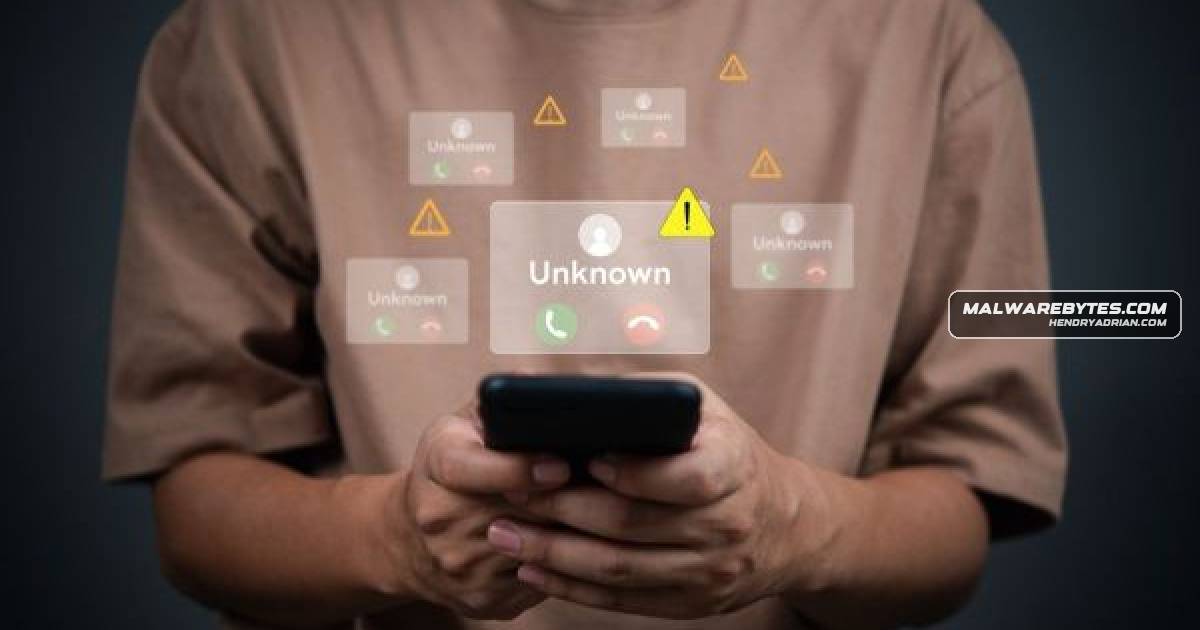
- For suspicious calls, hang up and call back using a number you already trust or independently look up.
- Check web addresses before opening links, including those reached through QR codes; avoid links if you cannot verify them.
Article Details
- Defense Focus
- Reduce mobile scam, phishing, and account-takeover risk through cautious verification of messages and calls, link checking, software updates, and stronger account authentication.
- Detection Methods
- Inspect links for misspellings or unfamiliar domains before opening them.
- Check the web address displayed by the phone after scanning a QR code, and look for signs of a tampered QR-code sticker.
- Assess links with Malwarebytes Scam Link Check.
- Verify unexpected requests through an independently accessed official website or a phone number already known to be trustworthy.
- Platforms
- Android
- iPhone
- Defensive Actions
- Install operating-system security updates and enable automatic updates.
- Use a strong, unique password for each account; use a passkey where available and enable two-factor authentication.
- Treat unexpected texts and social media posts, especially urgent requests for payment or personal information, with suspicion.
- For an uncertain call, hang up and call back using a trusted number; agree on a private code word with family and friends.
- Do not open a suspicious or uncertain link; navigate directly to the organization’s official website or app instead.
Vendors
Products
Androidupdates patch vulnerabilities that malware takes advantage of. Malwarebytes’ threat research found Android malware detections rose 151% in the first half of 2025. On both iPhone and Android, automatic updatesiPhonethreat research found Android malware detections rose 151% in the first half of 2025. On both iPhone and Android, automatic updates help decrease risk.