How to Protect, Monitor, and Respond to Entra Agent Identity Risks
Summary
Datadog Security Labs recommends restricting Entra agent-management permissions, avoiding blueprint secrets, reviewing third-party agents, monitoring credential changes, and preparing to disable or delete compromised agents.
Key points
- Restrict the Agent ID Administrator role and permissions that can update blueprint credentials; limit these to identities that require them.
- Review agent identities, blueprint principals, and agent users for unnecessary or high-risk Entra roles and application or delegated permissions.
- Replace secrets used by production blueprints with certificates or federated identity credentials; sign-in logs can help identify third-party blueprints that have authenticated using secrets.
- Carefully assess third-party blueprints and their permissions, since compromise of the publishing tenant can affect agents created from those blueprints.
- Monitor for the Entra activity “Update application – Certificates and secrets management” to identify credentials added to local blueprints.
- Microsoft Entra ID Protection for agents may offer risky-agent detections, but the article says those detections were offline at publication time.
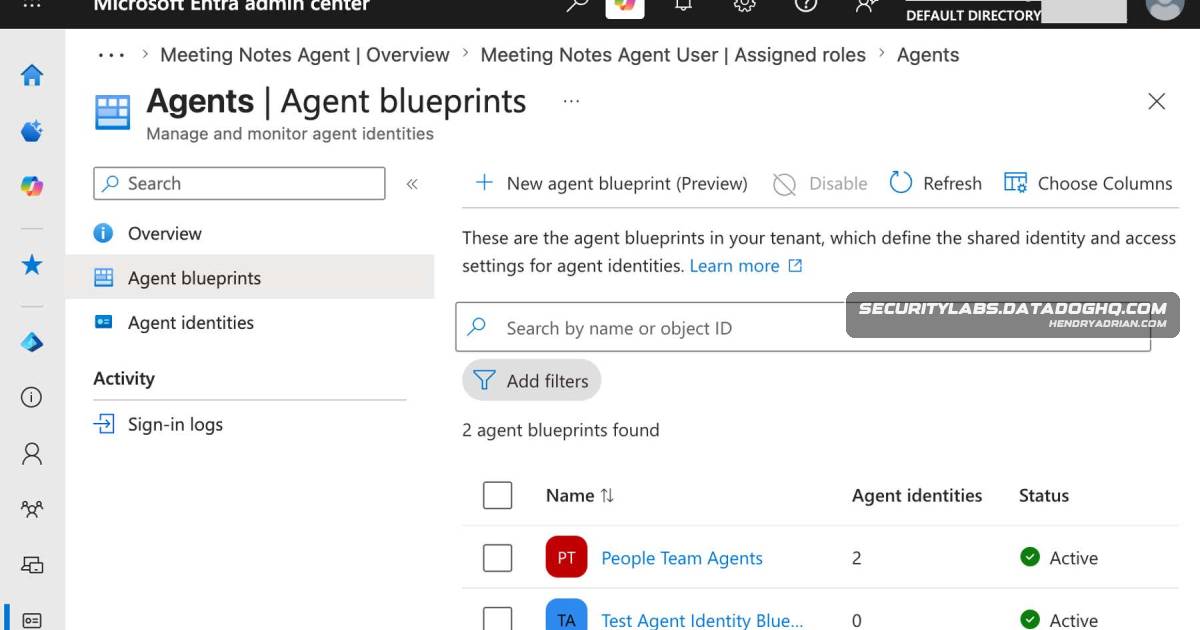
- Compromised agent identities and blueprints can be disabled in the Entra admin center; deletion requires Microsoft Graph API calls.
Article Details
- Defense Focus
- Reduce the risk and impact of Entra agent blueprint or identity compromise through permission review, credential monitoring, and containment.
- Detection Methods
- Search sign-in logs for third-party blueprints authenticating with a client secret. This identifies secrets used for authentication, but not unused or backdoor credentials.
- Monitor for credentials added to local-tenant blueprints using the Core Directory service, ApplicationManagement category, and “Update application – Certificates and secrets management” activity.
- Consider Microsoft Entra ID Protection for agents when its risky-agent detections become available; the article says their availability was unclear at publication.
- Data Sources
- ServicePrincipalSignInLogs, including clientCredentialType and agent.agentType properties
- Core Directory audit activity for ApplicationManagement and certificate and secret management
- Rule Types
- Sign-in log filters using Category=ServicePrincipalSignInLogs, clientCredentialType=clientSecret, and agent.agentType=agentIdentityBlueprintPrincipal
- Audit-event monitoring for “Update application – Certificates and secrets management”
- Platforms
- Entra admin center
- Microsoft Graph
- Defensive Actions
- Restrict the Agent ID Administrator role, custom roles with blueprint credential-update permission, and the specified Microsoft Graph permissions to identities that require them.
- Review agent and blueprint application permissions, delegated permissions, and Entra role assignments; remove unnecessary or high-risk assignments.
- Replace production blueprint secrets with certificates or federated identity credentials, and remove the secrets.
- Carefully assess third-party blueprint publishers and the permissions assigned to their agents; consider creating a local blueprint instead.
- Disable compromised agent identities or blueprints in the Entra admin center; delete them through Microsoft Graph.
MITRE ATT&CK
People
Vendors
DatadogFor Datadog Cloud SIEM customers, product detections that apply to agent identities are provided in How Datadog can help.MicrosoftRestrict assignments of the Entra ID Agent ID Administrator role and any custom roles with the microsoft.directory/agentIdentityBlueprints/credentials/update permission.
Products
Azure PortalAt this time, agent identity resources (blueprints, blueprint principals, and agent identities) cannot be deleted in the Entra admin center or the Azure Portal.Copilot StudioAdditionally, the following detections identify suspicious activity against agents created using the Copilot Studio blueprint:Datadog Cloud SIEMFor Datadog Cloud SIEM customers, product detections that apply to agent identities are provided in How Datadog can help.Entra IDThis post continues and concludes our series on Agent ID, by outlining steps that an administrator or security team can take to secure blueprints and agent identities created in their local Entra ID tenant.Microsoft Entra ID ProtectionYou may also want to enable Microsoft Entra ID Protection for agents, a feature which may detect suspicious agent activities in the future.Microsoft GraphAdditionally, the following Microsoft Graph permissions can allow agent takeover in the same way.