
Malicious WordPress Plugin Targets Admins With Fake Browser and Java Updates
Summary
A malicious WordPress plugin injects fake update alerts into the admin dashboard on Windows systems and downloads JavaScript from an attacker-controlled domain. The alerts aim to trick administrators into downloading malware.
Key points
- The “Modern Recent Posts” plugin was found on a compromised WordPress site, masquerading as a harmless widget.
- It targets logged-in administrators viewing the dashboard on Windows, while hiding its alerts from ordinary site visitors.
- The plugin sends the site hostname and admin username to a remote domain, then injects remotely supplied JavaScript into the dashboard.
- Fake Java or browser update prompts can trigger a download from secure-java-update[.]com when clicked; the article warns this could expose administrators’ computers to malware.
- A special URL parameter lets the plugin delete and redownload itself, enabling updates or attempts to restore access.
- The article recommends removing unfamiliar plugins and suspicious administrator accounts, changing credentials, scanning devices if an alert was clicked, and monitoring outbound traffic.
Article Details
- Attack Vectors
- A malicious WordPress plugin named Modern Recent Posts downloads and injects remote JavaScript into the admin dashboard.
- The payload is restricted to administrators using Windows while viewing the dashboard.
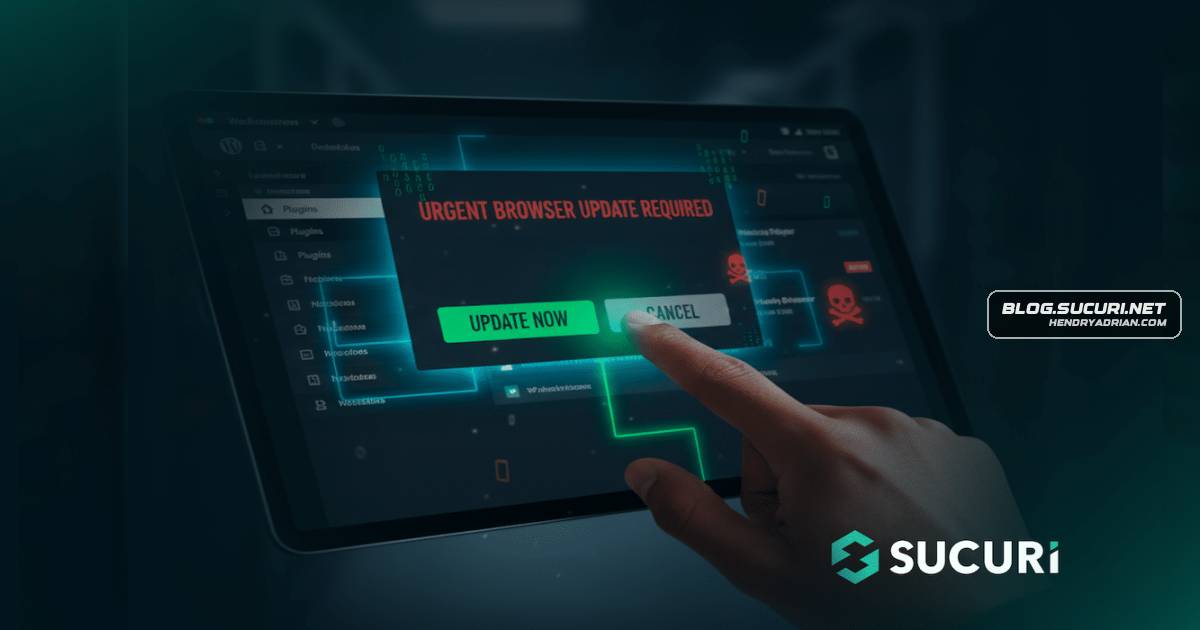
- A fake Java or browser update overlay prompts administrators to click a button that triggers a download from a malicious domain.
- A special ?upd=1 URL parameter triggers the plugin to delete its local files and download a fresh copy from its C2 server.
- Defensive Notes
- Delete unrecognized plugin directories and remove suspicious administrator accounts.
- Reset WordPress, FTP, hosting, and database credentials.
- If an administrator clicked the update button, scan the local computer for malware.
- Patch WordPress core, plugins, and themes; monitor server logs for connections to unknown or suspicious domains.
- Use a Web Application Firewall to help block communication with known C2 servers and prevent malicious plugin uploads.
Indicators of compromise
| Type | Indicator | Context |
|---|---|---|
| DOMAIN | persistancejs[.]store | Identified as the malicious domain and C2 server used to provide JavaScript and refresh the plugin. |
| DOMAIN | secure-java-update[.]com | Identified as the malicious domain used for the fake update button's forced download. |
| URL | hxxps[:]//persistancejs[.]store/jsplug/plugin.php | URL identified as the source from which the plugin fetches malicious JavaScript. |
MITRE ATT&CK
T1027 · Obfuscated Files or InformationThe plugin delivers a Base64-encoded JavaScript payload.T1059.007 · JavaScriptThe injected JavaScript runs in the administrator's browser to display the fake update overlay.T1105 · Ingress Tool TransferThe plugin downloads a JavaScript payload and a fresh plugin copy from the attacker's server.
Products
Google Chromefake pop-up notifications appearing on their site. The warnings were urging them to update their browser (Chrome or Firefox), even though their software was already fully up-to-date.Mozilla Firefoxnotifications appearing on their site. The warnings were urging them to update their browser (Chrome or Firefox), even though their software was already fully up-to-date.WordPressWe recently investigated a case involving a WordPress website where a customer reported persistent fake pop-up notifications appearing on their site. The warnings were urging them to update their browser (Chrome or