
Researchers Link 60 OffiDocs Chrome Extensions to URL Collection
Summary
Bay Area Labs reports that 37 of 60 OffiDocs-linked Chrome extensions (2.3 million installs) encode and send visited URLs to linked servers; it also describes server-directed redirects and privacy risks in VPNOnline. OffiDocs and Google had not responded.
Key points
- Bay Area Labs reports that 37 of 60 extensions associated with four publisher accounts encode and transmit users’ visited URLs alongside an extension-generated user ID.
- Researchers say server responses can trigger tab redirects, with the server determining when a redirect occurs for a user and URL.
- The report says VPNOnline downloads keyword lists from onworks[.]net and reports visited URLs containing listed terms; the term “ama” matches amazon[.]com pages.
- VPNOnline reportedly routes traffic through eight plain HTTP proxies using a shared published login, which the article says exposes visited sites to others on the user’s network.
- Researchers linked the publisher accounts through shared code, contact details, server endpoints, registry details and mail servers. They suspected a Bright Data connection based on OffiDocs terms, but found no Bright SDK code in the extensions.
- The article recommends removing extensions from the named publishers, reviewing sensitive-account sessions and passwords, and auditing and allowlisting extensions in business environments.
Article Details
- Attack Vectors
- Some OffiDocs-linked Chrome extensions reportedly collect visited page URLs, hex-encode them, and send them with a unique user ID to linked servers.
- VPNOnline reportedly downloads a keyword list hourly and reports visited URLs containing matching keywords.
- The extension server can reportedly respond with a 302 instruction that redirects the user's tab to another page.
- VPNOnline reportedly routes traffic through plain HTTP proxies using a shared published login.
- Defensive Notes
- Check browsers for extensions from officeonlinesystems, RedcoolMedia, ApkOnline android online, and RunApps, and remove them.
- Avoid free VPN extensions that do not clearly explain how they handle traffic.
- Sign out of active sessions and reset passwords for sensitive accounts used while the extensions were installed.
- Businesses should audit installed extensions and enforce an allowlist.
MITRE ATT&CK
Vendors
Products
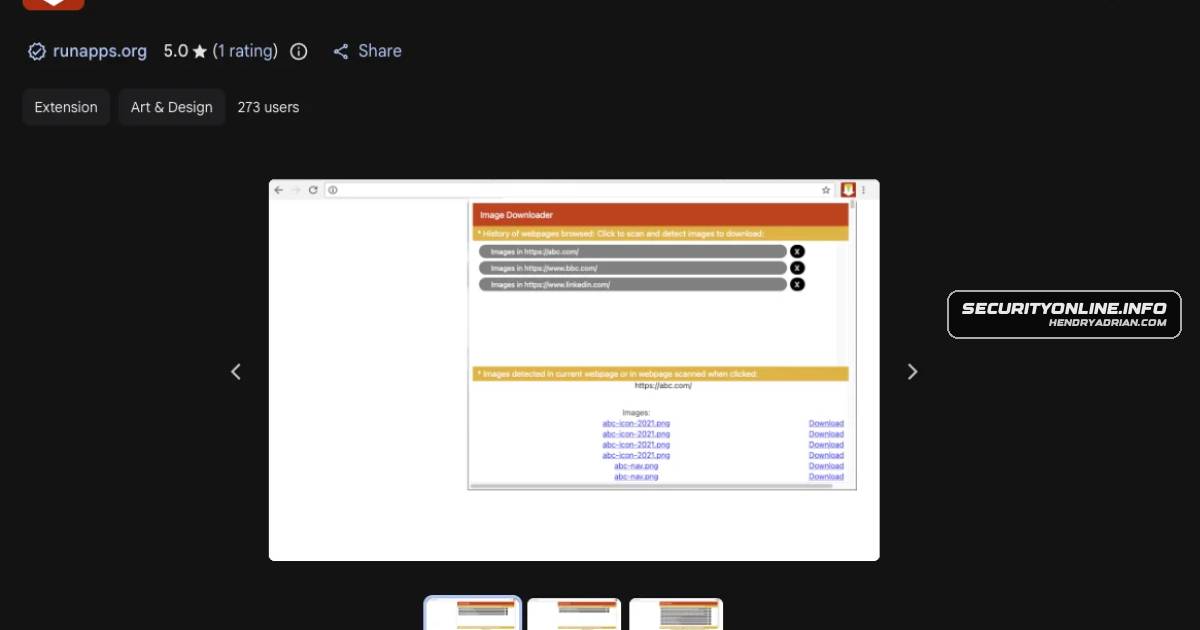
Chrome Web StoreIn the researchers’ view, Chrome Web Store review “doesn’t flag hex-encoded URLs,” and many DLP tools miss it too.Google ChromeOffiDocs Chrome Extensions With 2.3 Million Installs Caught Harvesting Browsing URLsImage Downloader Professional PremiumIts “Image Downloader Professional Premium” gives no notice that it collects every URL.LibreOffice EditorFor example, “XLS Editor” has 80,000 users, and “LibreOffice Editor” has 50,000.VPNOnlineThe researchers single out “VPNOnline,” which has 20,000 users.XLS EditorFor example, “XLS Editor” has 80,000 users, and “LibreOffice Editor” has 50,000.