
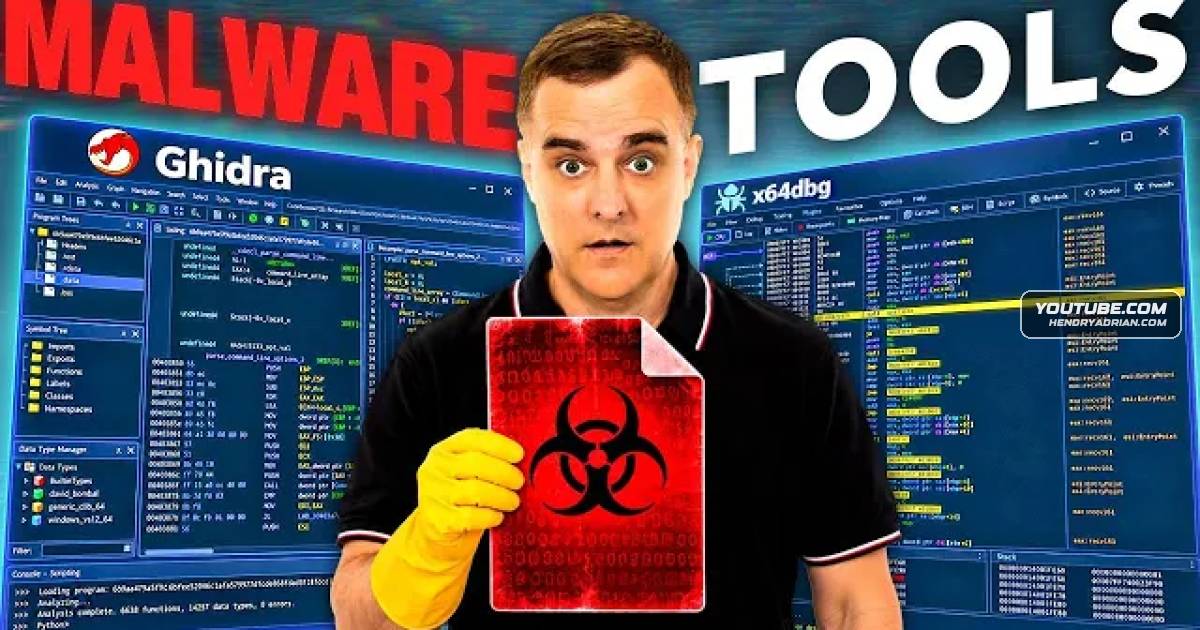
Learn Malware Analysis with Ghidra and x64dbg Through Ransomware Demos
· 43:26 · Watch on YouTube ↗
Summary
A hands-on tutorial uses Ghidra and x64dbg to analyze SteelBit and BlackMatter, demonstrating anti-debugging checks, runtime string decryption and Sysmon-based detection opportunities.
Key points
- The SteelBit demonstration combines static analysis in Ghidra with dynamic analysis in x64dbg to recover function names and decrypted strings.
- SteelBit, described as a data-exfiltration tool offered through LockBit's ransomware-as-a-service program, checks for debugging and enters an infinite loop when the demonstrated check is triggered.
- SteelBit uses named pipes to communicate between malware instances. The demonstrated SteelBit Master Pipe appears in Sysmon logs and provides a potential basis for Sigma detection rules.
- BlackMatter analysis shows hashed command-line arguments, file encryption, wallpaper changes and a later capability to print ransom notes while excluding PDF printers.
- The guest explains how affiliate recruitment, reputation and restricted forum access shape ransomware intelligence collection.
- Recommended learning steps include compiling small C programs and examining them in Ghidra before tackling malware. The demonstration also recommends keeping malware-analysis virtual machines disconnected from the internet.
Article Details
- Topics
- [00:57] Connecting dark-web intelligence with malware reverse engineering
- [07:22] SteelBit exfiltration capabilities and initial binary inspection
- [11:49] Anti-debugging analysis with Ghidra and x64dbg
- [15:06] Recovering runtime function names and decrypted strings
- [18:26] Mapping command-line options and file iteration
- [20:19] Detecting SteelBit named pipes through Sysmon logs
- [23:32] BlackMatter affiliate recruitment, configuration and intelligence collection
- [33:52] BlackMatter argument hashing, encryption and ransom-note behavior
- [41:10] Learning reverse engineering with compiled C programs
MITRE ATT&CK
T1027 · Obfuscated Files or InformationSteelBit conceals strings through encryption; BlackMatter hashes command-line arguments instead of comparing their plaintext values.T1083 · File and Directory DiscoveryThe SteelBit demonstration identifies file and folder iteration using Windows file-enumeration calls.T1140 · Deobfuscate/Decode Files or InformationThe SteelBit analysis demonstrates runtime string decryption and inspection of the resulting plaintext in memory.T1486 · Data Encrypted for ImpactBlackMatter is executed in a demonstration virtual machine, encrypting dummy files and changing their extensions.T1491.001 · Internal DefacementThe BlackMatter demonstration describes changing desktop wallpaper to notify users of the ransomware attack.T1562.009 · Safe Mode BootThe BlackMatter analysis discusses a safe-boot option that reboots systems into safe mode to avoid normally running security software.T1622 · Debugger EvasionThe SteelBit demonstration shows a process-environment-block check that causes an infinite loop when debugging is detected.
People
David BombalHosts the malware-analysis tutorial and questions the guest about reverse-engineering methods, detection opportunities and safe malware handling.LindsayGuest identified as vice president of threat intelligence at Human Security and author of Dissecting the Dark Web; demonstrates SteelBit and BlackMatter reverse engineering and describes participating in early BlackMatter investigation.
Threat Actors
BlackMatterThe guest examines BlackMatter affiliate recruitment posts and program materials, describing access purchasing, ransomware configuration and extortion features.LockBitThe guest describes LockBit's ransomware-as-a-service program as offering SteelBit to affiliates for data exfiltration before extortion.REvilIdentified by the guest as offering Sodinokibi ransomware, which is analyzed in the book.