Huntress Adds Local API for Checking EDR Agent Health
Summary
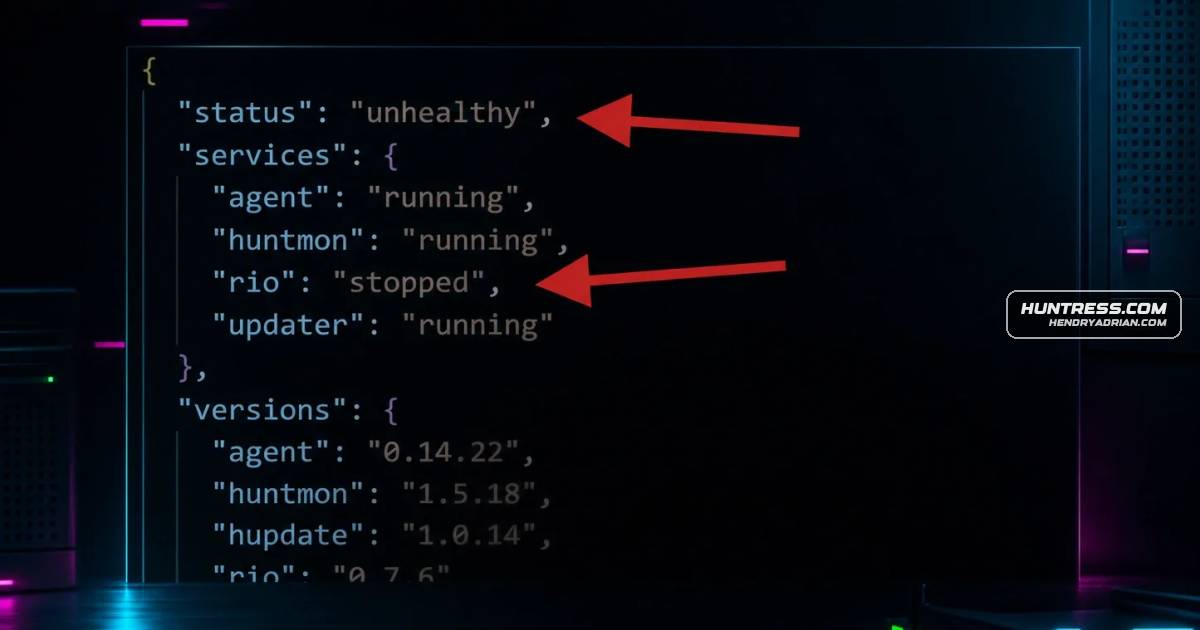
Huntress introduced a local API for checking EDR agent health and component versions, with a PowerShell example and support for RMM-based checks across Windows and macOS endpoints.
Key points
- The API returns a clear “healthy” or “unhealthy” status and component version details for a local Huntress EDR agent.
- Huntress says MSPs can use RMM tools to automate checks across client endpoints.
- The API runs locally; Huntress says it uses no open ports or remote access and does not affect endpoint performance.
- The article says the API is available on Windows and macOS with agent version 0.13.10 or higher; its getting-started section says agents must be at least version 0.14.1 to use it today.
- A PowerShell example queries the agent at localhost:24799/health.
Article Details
- Event Type
- Huntress introduced a client-side API for checking the health and component versions of its Managed EDR agent on local endpoints.
- Impact
- The API provides a local healthy/unhealthy status and component-version details, enabling administrators and MSPs to automate endpoint health checks through RMM workflows and troubleshoot agents. Huntress states it runs locally without opening ports or enabling remote access. It is available on Windows and macOS for agent version 0.13.10 or higher; the article says agents at version 0.14.1 or higher can use it today.