
How to Detect defendnot’s Windows Defender Bypass Technique
Summary
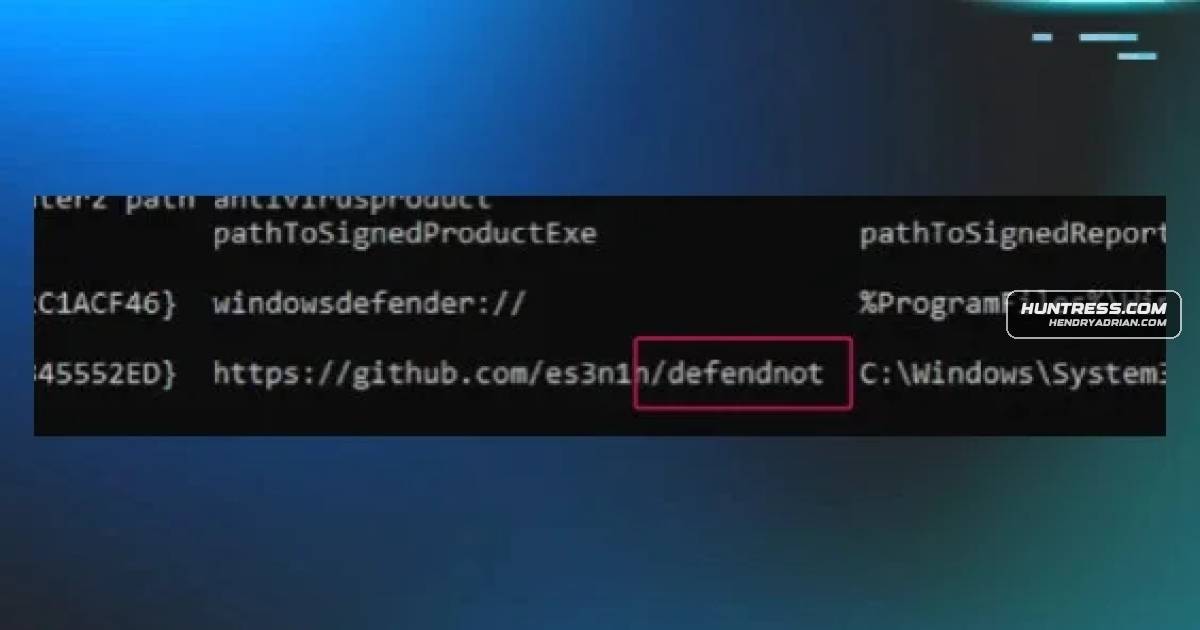
Huntress outlines detection opportunities for defendnot, which registers a fabricated antivirus through undocumented Windows Security Center APIs to disable Defender, and recommends prioritizing behavioral signals such as process injection and WSC abuse.
Key points
- defendnot registers a fabricated antivirus through the undocumented IWscAvStatus interface, causing Windows Defender to be disabled.
- The described execution chain includes argument parsing, creation of ctx.bin, DLL injection into a target process—Taskmgr.exe by default—and fake antivirus registration.
- Potential telemetry includes Sysmon process creation, image-load, process-access, remote-thread, and registry events, along with Windows Defender state changes.
- The article provides Sigma rules for several stages of execution and registration, plus a YARA rule for defendnot binaries.
- Huntress recommends combining detection layers and prioritizing behavioral signals such as process injection and WSC abuse over hashes, which are easier to change.
- The tool must remain on disk to continue disabling Defender; the article says Defender detects it as VirTool:Win64/Defnot.A and that it does not function properly on Windows Server.
Article Details
- Defense Focus
- Detect defendnot’s disabling of Windows Defender through process injection and fraudulent antivirus registration with Windows Security Center.
- Detection Methods
- Detect process injection into Taskmgr.exe or another trusted process, including suspicious process access, remote-thread creation, and unexpected loaded modules.
- Monitor for unauthorized Windows Security Center COM activity and antivirus product registration.
- Correlate process creation with file creation, registry changes, scheduled-task activity, and network connections.
- Monitor Windows Defender health and state changes, including transitions to an off state.
- Use behavior-based detections alongside file-based YARA detections and tool-name or artifact detections.
- Data Sources
- Sysmon events 1, 3, 7, 8, 10, 11, 12, 13, and 14
- Threat-Intelligence ETW provider telemetry for virtual-memory allocation and memory-write activity
- Windows Event Logs: System event 7036; Security events 4688, 4697, and 4700
- Windows Defender state events identified in the article as Event ID 15
- Process behavior, image-load events, registry events, file-system events, and antivirus health status
- API-call logs, memory forensics, and EDR or SIEM process telemetry
- Rule Types
- Sigma rules for execution, file creation, process behavior, registry changes, scheduled-task activity, and Defender state changes
- YARA rules for defendnot binaries
- Platforms
- Windows
- Sysmon
- EDR
- SIEM
- Defensive Actions
- Prioritize behavioral monitoring for process injection and unauthorized Windows Security Center antivirus registration rather than relying only on hashes or filenames.
- Investigate unexpected modules in Taskmgr.exe and other trusted processes, along with process-access and remote-thread telemetry.
- Alert on suspicious registry changes, autorun entries, and scheduled-task creation or updates associated with defendnot.
- Correlate Defender state changes with preceding process, registry, and file-system activity.
- Use file and tool-name detections as supplementary signals because the article notes that these indicators can be changed.
MITRE ATT&CK
T1053.005 · Scheduled TaskThe article describes optional scheduled-task creation to reactivate the malicious security product after reboot.T1055.001 · Dynamic-link Library Injectiondefendnot injects defendnot.dll into Taskmgr.exe by default; the article describes process access, memory allocation and writing, and remote-thread creation.T1547.001 · Registry Run Keys / Startup FolderThe article describes optional autorun registry entries intended to reactivate the malicious security product after system restarts.T1562.001 · Disable or Modify ToolsThe tool registers a fabricated antivirus product through the Windows Security Center and thereby disables Windows Defender.
People
Vendors
Products
Windows Defenderunique method for disabling Windows Defender. Unlike conventional methods that attempt to modify registry settings or use administrative policies, defendnot takes aWindows Security Centermore sophisticated approach by registering an antivirus product. defendnot achieves its objective by leveraging undocumented Windows Security Center (WSC) APIs toWindows SysmonFigure 5: Sysmon Event ID 1 - defendnot-loader