Phishing Campaign Abuses Faronics Deploy to Run PowerShell and Install ScreenConnect
Summary
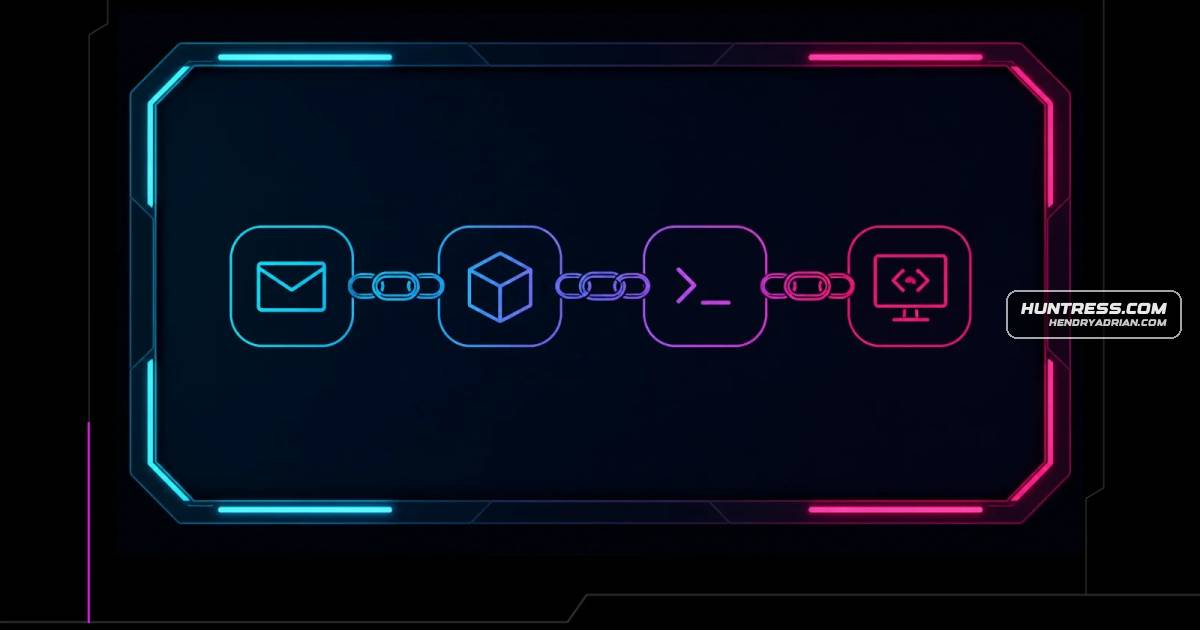
Huntress reports phishing lures that trick victims into installing Faronics Deploy, which attackers use to run PowerShell and install ScreenConnect. It observed more than 457 endpoints encountering lures in a month and a sharp decline in activity after August 21.
Key points
- From July 21 to August 20, Huntress observed more than 457 endpoints encountering Faronics-related lures; activity declined sharply starting around August 21.
- Phishing pages use business-themed lures and visitor-based filtering before presenting a fake document or plugin download.
- Victims are tricked into installing a legitimately signed Faronics Deploy executable with administrative privileges, enrolling endpoints in an attacker-controlled deployment.
- Attackers use Faronics to run remote PowerShell scripts, retrieve additional payloads, and install ScreenConnect for remote access.
- Faronics ScriptRunner.log can preserve script URLs; the deployment's ck identifier may help cluster malicious deployments.
- Huntress recommends investigating Faronics logs and configuration activity, checking for secondary remote access tools, and isolating affected endpoints.
- Huntress notified Faronics, which implemented measures to disrupt abuse and contacted organizations with potentially compromised accounts.
Article Details
- Attack Vectors
- Phishing links led victims through cloaked download pages that impersonated document or software workflows and delivered a legitimately signed Faronics Deploy installer under deceptive filenames.
- After victims installed Faronics Deploy, threat actors used its remote deployment capabilities to execute PowerShell scripts and retrieve additional payloads, including scripts hosted on GitHub.
- Scripts used curl or mshta to retrieve additional content, or msiexec to install payloads hosted on attacker-controlled infrastructure; the activity also installed ScreenConnect for additional remote access.
- Defensive Notes
- Review C:\ProgramData\Faronics\Logs\, especially ScriptRunner.log, for remotely executed scripts, external payload URLs, ScreenConnect or other RMM installation activity, and configuration requests containing the ck identifier.
- Preserve logs and investigate the deployment associated with the ck identifier to identify other enrolled endpoints.
- Isolate affected endpoints, investigate activity following the initial Faronics execution, and remove unauthorized Faronics and secondary remote-management installations after collecting investigation artifacts.
- Hunt for secondary remote access and persistence, and rotate credentials where investigation indicates interactive access or credential exposure.
- The presence of Faronics software alone is not inherently malicious; investigate unexpected installations followed by execution of attacker-controlled scripts or installation of additional remote-access tooling.
Indicators of compromise
| Type | Indicator | Context |
|---|---|---|
| URL | hxxps[:]//raw[.]githubusercontent[.]com/askaboutme121/Xusyahfd/refs/heads/main/Jhinstaller[.]ps1 | Specific GitHub-hosted PowerShell script URL recorded in ScriptRunner.log and identified as part of the attacker’s payload retrieval. |
MITRE ATT&CK
T1059.001 · PowerShellThreat actors used Faronics Deploy to remotely execute PowerShell scripts on enrolled endpoints.T1105 · Ingress Tool TransferScripts retrieved additional content from external staging locations, including the cited GitHub-hosted PowerShell script.T1204.002 · Malicious FileVictims were instructed to run a downloaded, legitimately signed Faronics installer disguised as a document or plugin.T1218.005 · MshtaSome observed scripts used mshta to retrieve additional content.T1218.007 · MsiexecSome observed scripts invoked msiexec to install payloads hosted on attacker-controlled infrastructure.T1219 · Remote Access ToolsThreat actors installed ScreenConnect as an additional remote-access mechanism on compromised endpoints.T1566.002 · Spearphishing LinkVictims received phishing emails with links leading to deceptive document and software download pages.