Mandiant Shows How Machine DPAPI Can Expose Active ADFS Signing Keys
Summary
Mandiant describes how attackers with sufficient SYSTEM-level access may recover active ADFS signing keys from Machine DPAPI and forge SAML assertions, including Global Administrator access. The article outlines detection and mitigation measures.
Key points
- When ADFS certificate rollover is disabled and manual rotation leaves the WID database stale, its certificate record may not match the active signing key; Event ID 385 can indicate this drift.
- The article describes recovering the active key from the machine-scoped RSA key store using Machine DPAPI materials available in a sufficiently privileged SYSTEM context.
- Mandiant reports using the recovered key to forge a SAML assertion for a Global Administrator that Entra ID accepted.
- The technique may avoid direct interaction with LSASS memory or the live ADFS service process, potentially reducing visibility to controls focused on those behaviors.
- Defenders can monitor access to relevant machine key and DPAPI paths and correlate ADFS token issuance logs with Entra ID sign-ins; neither source alone is sufficient.
- Recommended measures include HSM-backed signing keys, strict Tier 0 controls, validating certificate consistency after rotation, and treating an ADFS host with SYSTEM access as potentially compromised.
Article Details
- Attack Vectors
- An attacker with sufficiently privileged SYSTEM-level access on an ADFS host can recover the active token-signing private key from the Machine DPAPI-protected CAPI key store, using the DPAPI_SYSTEM LSA secret and machine masterkeys.
- The recovered signing key can be used to forge SAML assertions, including assertions impersonating a Global Administrator, and gain access to federated applications without the user's credentials or MFA.
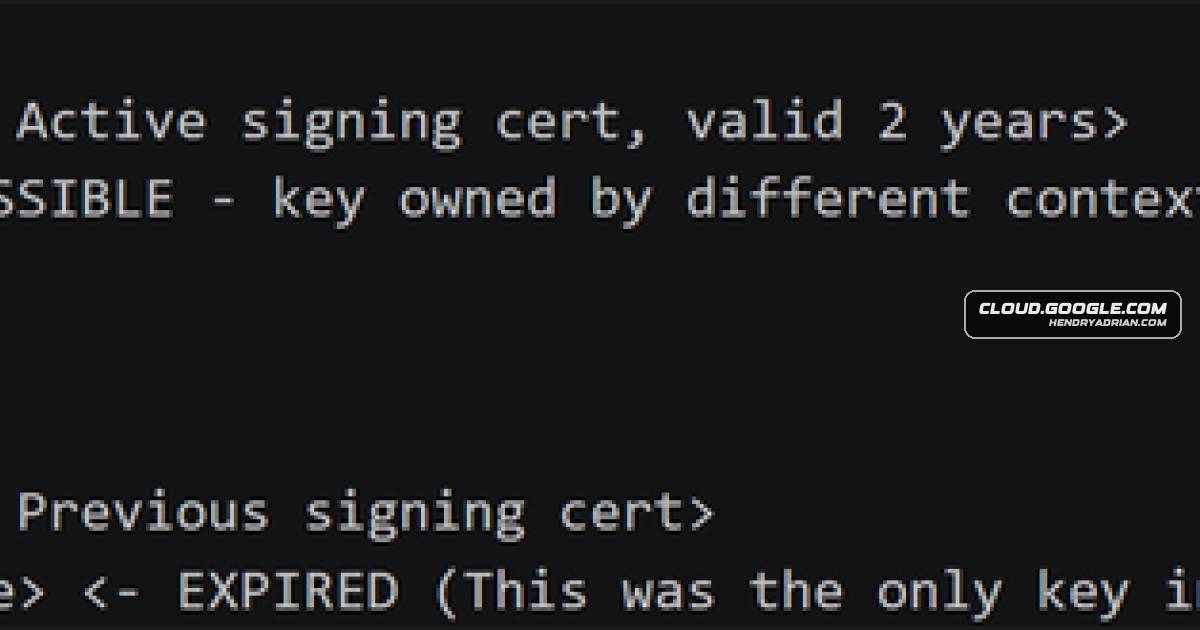
- When AutoCertificateRollover is disabled and certificates are manually rotated without updating the WID configuration database, stale certificate metadata can cause database-based extraction to miss the active signing key.
- Defensive Notes
- Treat ADFS hosts as Tier 0 infrastructure; consider the signing key compromised if SYSTEM access is achieved.
- Use an HSM to keep token-signing private keys out of software-accessible host storage.
- Monitor access to the MachineKeys and machine-protection directories with appropriately configured SACL auditing, and correlate Security Event ID 4663 with other signals.
- Correlate ADFS token-issuance and claims-processing events with preceding authentication context, and cross-check ADFS issuance logs against Entra ID sign-in logs.
- Apply strict Tier 0 administrative controls, including restricted access paths, dedicated PAWs, and enhanced privileged-access monitoring.
- After suspected compromise, rotate the token-signing certificate and validate consistency across ADFS configuration, the LocalMachine\My store, and federation metadata. When AutoCertificateRollover is disabled, update ADFS with Set-AdfsCertificate and validate with Get-AdfsCertificate.
- Investigate ADFS Event ID 385 as a possible indication of configuration inconsistency after certificate rotation.
- Audit all ADFS relying-party trusts; migrating from ADFS-based federation to native OIDC federation removes this specific attack path.
MITRE ATT&CK
T1552.004 · Private KeysThe method recovers the active token-signing private key from the host's machine-scoped cryptographic store using Machine DPAPI-protected key material.T1606.002 · SAML TokensThe recovered ADFS token-signing key was used to forge a SAML assertion impersonating a Global Administrator, which Entra ID accepted.
People
Vendors
Products
Active DirectoryAnalysts followed the standard DKM extraction path, retrieving the encrypted blob from the WID database and decrypting it using the DKM material stored in Active Directory.ADFSBy obtaining the private key of an ADFS token-signing certificate, an attacker can authenticate as any user to any SAML-federated application, bypassing multifactor authentication (MFA), conditional access, and allEntra IDThe extraction succeeded, but the recovered certificate was no longer valid for token signing, and Entra ID rejected the resulting tokens with AADSTS500172 due to invalid signing material.Microsoft 365 Apps for Enterpriseauthentication, and granting unauthorized access to any SAML-federated application including Microsoft 365 and Entra ID within the organization's environment.Microsoft Windowsas the active signing key resides in the system’s machine-scoped cryptographic store, protected by Windows Machine DPAPI and managed through the operating system’s cryptographic subsystem.
Tools
Get-AdfsCertificateValidate using Get-AdfsCertificate after rotation.Get-AdfsPropertiesConfirmation was obtained directly via Get-AdfsProperties, which returned AutoCertificateRollover: False, indicating that certificate lifecycle management had been delegated to manual administrative processes.Set-AdfsCertificateFor environments with AutoCertificateRollover disabled, manual rotation must include updating ADFS via Set-AdfsCertificate—installing the certificate alone is insufficient.SharpDPAPISharpDPAPI /machine enumeration in the assessed environment confirmed that the active machine key material resided under this path, while the CNG Crypto\Keys store was not observed in use in the assessed environment.