
How a Penetration Tester Customizes Windows for an i3-Like Workflow
· 21:17 · Watch on YouTube ↗
Summary
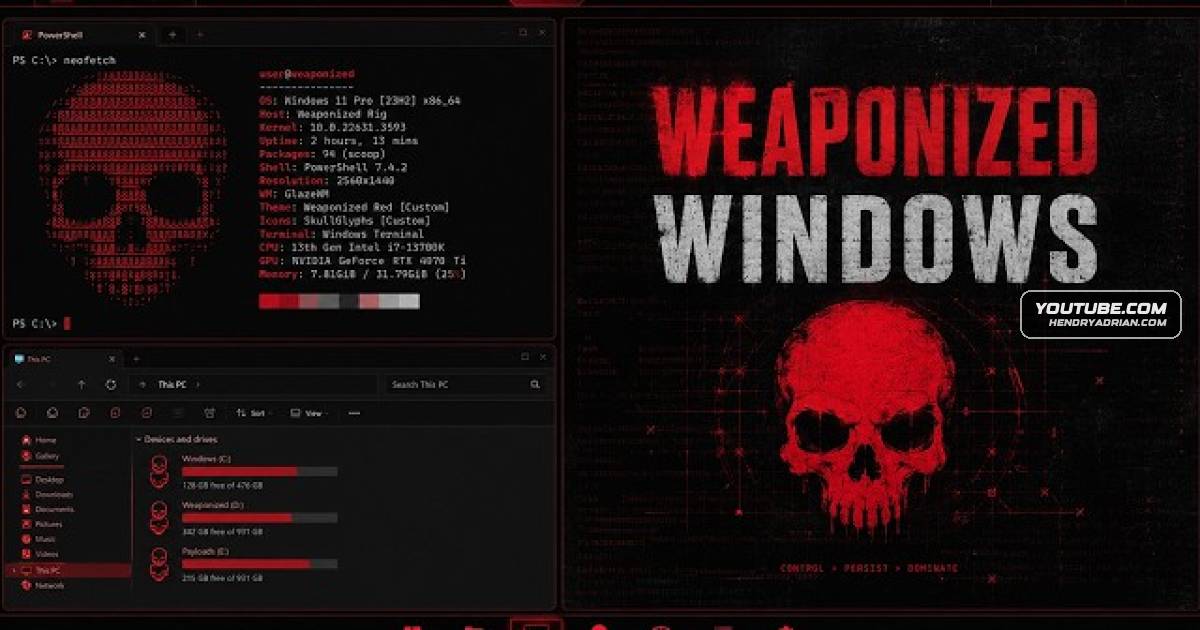
A penetration tester demonstrates an i3-like Windows workspace using Glaze VM, YASB and WinHacks, and describes separating operational work into VMs that can be reverted or deleted if compromised.
Key points
- The presenter keeps Windows as his main system for tasks such as video editing and reporting, and uses separate VMs for operational work.
- He says VM isolation lets him revert or delete an environment if it is compromised; his operational VMs have no personal profiles, passwords or password manager.
- He describes using a Kali VM for C2 frameworks and a packer, and a command VM to test payloads and support malware development.
- Glaze VM brings i3-style window tiling, keyboard controls and virtual workspaces to Windows.
- YASB provides a customizable top bar, while WinHacks adds mods for Windows interface elements such as the taskbar and Start menu.
- The presenter shares YAML and CSS configurations as a starting point for customizing the setup.
Article Details
- Topics
- [00:44] Workstation setup and VM separation for penetration-testing work
- [03:31] i3-inspired tiling and virtual-desktop workflow
- [06:16] Using Glaze VM to add tiling and workspaces to Windows
- [08:06] Configuring the YASB top bar
- [16:02] Customizing Windows with WinHacks mods
- [20:46] Applying the configuration files and customizing the setup