
Phishing Campaign Uses Fake Bid Invitations and Password-Protected PDFs to Steal Microsoft Credentials
Summary
Cofense details a phishing campaign that uses a fake bid invitation and password-protected PDF to evade content scanning, then leads recipients through a fake document drive to a Microsoft login page that captures credentials.
Key points
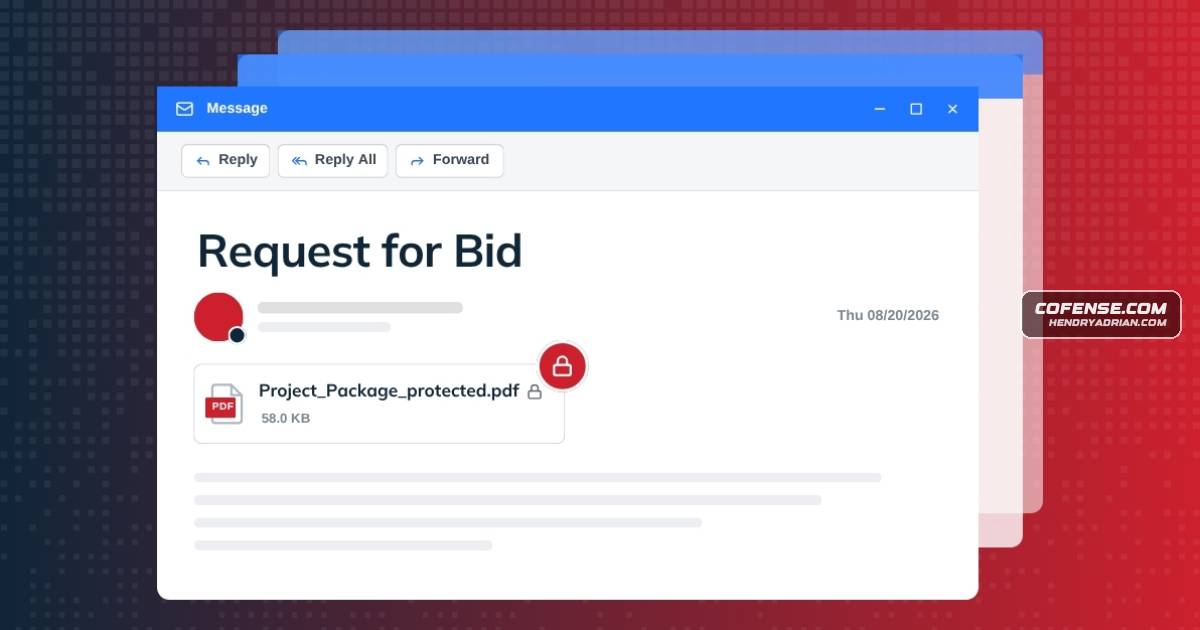
- The campaign begins with a bid-invitation email directing recipients to a password-protected PDF; Cofense says encryption can prevent automated email tools from inspecting its contents.
- The PDF contains a button styled as a OneDrive preview, which leads to a fake shared-document drive.
- After recipients select files to download, the site requests an email address and redirects them to a fake Microsoft sign-in page.
- Credentials entered on the fake login page are sent to an attacker-controlled server; the article does not identify the threat actor.
- The sender may use a legitimate but previously compromised account, according to the article.
- Cofense advises checking whether the bid was expected and verifying the sender and login-page URLs before entering credentials.
Article Details
- Attack Vectors
- A bid-invitation phishing email urges the recipient to open a password-protected PDF attachment, whose encryption can prevent automated inspection of its contents.
- The PDF presents a button styled as a OneDrive document preview that leads to a fake shared-document page and then a counterfeit Microsoft sign-in page.
- The fake sign-in page collects the victim's email address and password and sends the credentials to an attacker server.
- Defensive Notes
- Check whether a bid invitation was expected and verify the sender's domain.
- Check that a login page's URL matches the platform it claims to represent.
- Contact IT or the security team before entering credentials when a message or page appears suspicious.
Indicators of compromise
| Type | Indicator | Context |
|---|---|---|
| IPV4 | 67[.]205[.]150[.]245 | IP listed in the article's observed payload URL section for the phishing campaign. |
| MD5 | c9281ea6828b9de4443ac56361ac29da | MD5 hash of the discovered malicious password-protected PDF attachment. |
| SHA256 | 9ca705d6466d4d71c3fb0cae5097933afe1de1bc139d53bb63565a52dc9ebccb | SHA-256 hash of the discovered malicious password-protected PDF attachment. |
| URL | hxxps[:]//mm-lasertechnik[.]lastingonlineexperiences[.]de/1Dmw9/?key=NKsIDYXvtY | URL of the counterfeit Microsoft sign-in page used to solicit victim credentials. |
| URL | hxxps[:]//nbpn[.]lastingonlineexperiences[.]de/nasa[.]php | Attacker server URL to which the article says entered credentials are sent. |
| URL | hxxps[:]//slotpastimaxwin50jt[.]online/autoproject@autoproject[.]com/index[.]php | Redirecting URL behind the fake document-preview button, leading recipients further into the phishing campaign. |
MITRE ATT&CK
T1056.003 · Web Portal CaptureA counterfeit Microsoft sign-in page prompts victims for their email address and password, which are sent to the attacker's server.T1204.001 · Malicious LinkThe victim is prompted to click the PDF's View/Download button and proceed through the linked phishing flow.T1566.001 · Spearphishing AttachmentThe campaign begins with a bid-invitation email carrying a password-protected PDF attachment.