
StepSecurity Launches Policy Enforcement for VS Code Extensions
Summary
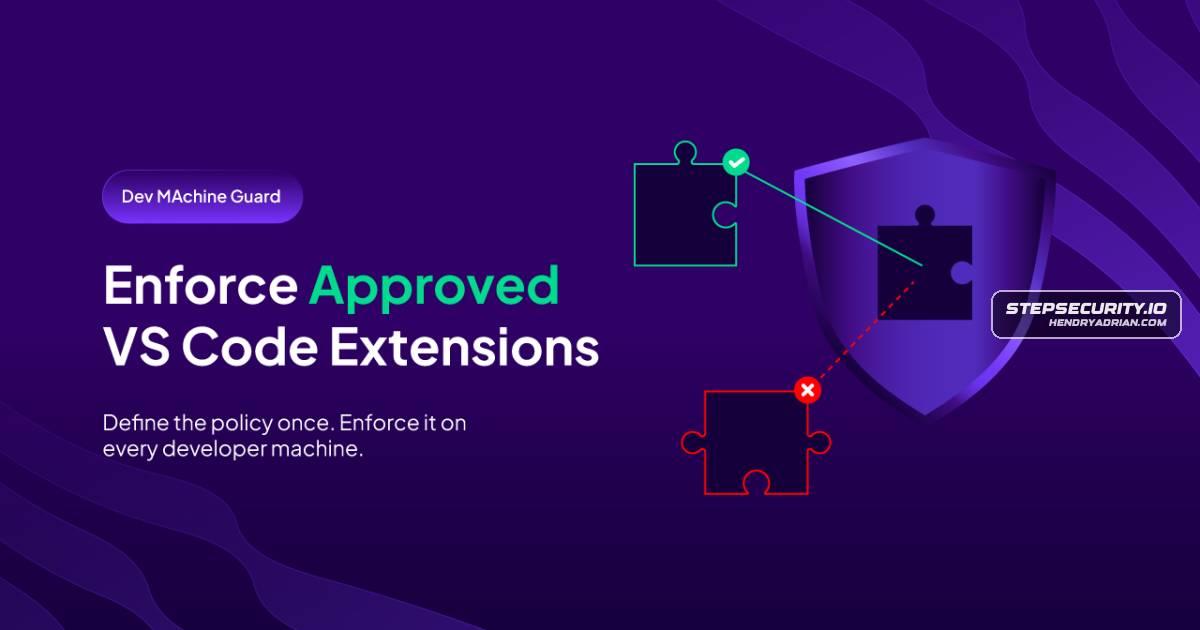
StepSecurity’s Device Policy lets teams approve or block VS Code extensions and versions across developer devices, with policy deployment through MDM or its agent on macOS, Windows, and Linux.
Key points
- Policies can allow or block extensions, restrict versions to stable releases, pin exact versions, or approve all extensions from a trusted publisher.
- Teams can build policies from their observed extension inventory or import existing configuration files.
- Profiles can be deployed through Intune, Jamf, or Kandji, with platform-specific artifacts for macOS, Windows, and Linux.
- The DMG agent can install and continuously enforce profiles on devices without MDM; the article describes this enforcement as tamper-resistant.
- A compliance view reports each device’s enforcement state, last-seen time, and agent version.
- Profiles and policies can be imported into Terraform-managed infrastructure using the StepSecurity Terraform provider.
Article Details
- Event Type
- Product feature launch: Step Security announced general availability of Device Policy for managing and enforcing approved VS Code extensions.
- Impact
- Device Policy lets organizations define allowed or blocked VS Code extensions and versions, then enforce those rules across developer devices through an existing MDM or the DMG agent. The article presents this as a way to reduce exposure to malicious or compromised IDE extensions; policies support macOS, Windows, and Linux.
Products
Device Policygave you visibility into every extension installed across your fleet. Today we are closing the loop. Device Policy lets you define which VS Code extensions are approved and enforce that decision on every developerStepSecurity Dev Machine GuardLast year, Dev Machine Guard gave you visibility into every extension installed across your fleet. Today we are closing the loop. Device Policy lets you define which VS Code extensions are approved and enforce thatVS Codeways into a developer machine. In the past year alone, the IoliteLabs campaign published malicious VS Code extensions that dropped backdoors on Windows, macOS, and Linux. The Nx Console VS Code extension was