Huntress Shares Initial-Access Findings and Hardening Advice for RDP, SMB, and VPNs
Summary
Huntress’s case review found exposed RDP, VPNs, and perimeter services prominent in observed initial access, often via weak or stolen credentials. Counts were withheld and the sample was nonrepresentative; recommendations include MFA checks and off-device logging.
Key points
- Huntress Tactical Response case analysis identified RDP, VPNs, and exposed perimeter services as prominent initial-access paths; exact counts were withheld, and the sample was not representative.
- The VPN category counted malicious logins using stolen or brute-forced credentials, not exploitation of VPN appliances; missing or incomplete telemetry limits conclusions.
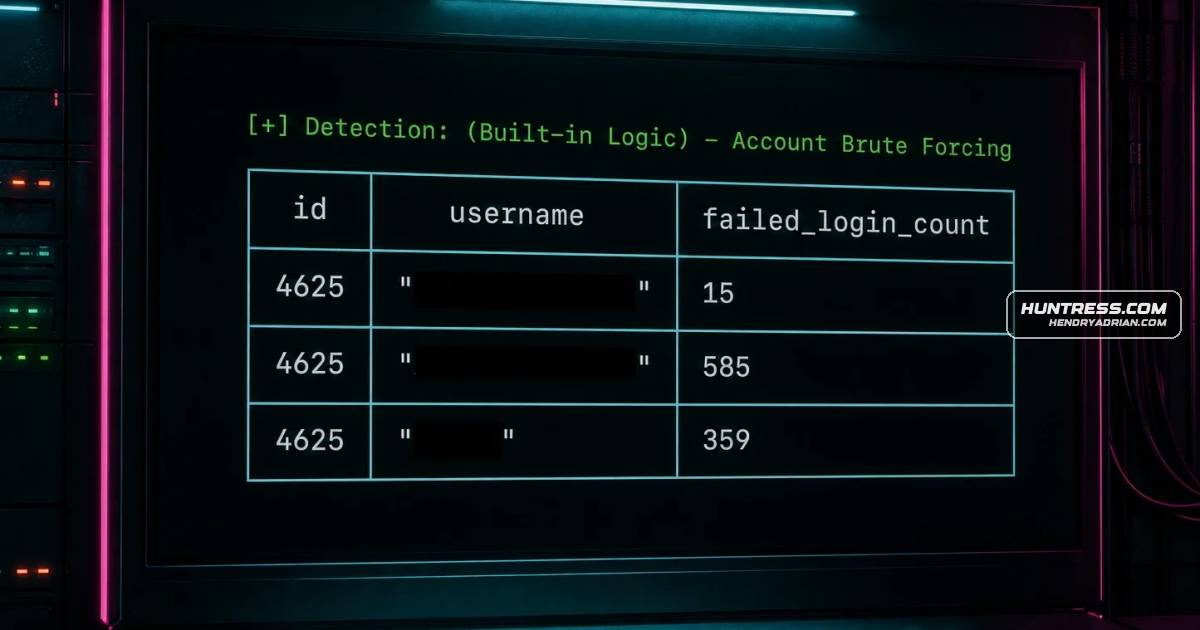
- RDP investigations often found brute-force attempts followed by successful logins. A suspicious-IP login without observed brute forcing could involve previously compromised credentials, but event logs alone may not establish that.
- The article warns that internet-exposed SMB lacks MFA; valid credentials for a sufficiently privileged account could provide access. Suggested safeguards include account lockouts, monitoring, strong passwords, and disabling unused accounts.
- RDP or VPN MFA may fail open or be disabled by configuration changes, including after software updates. Huntress recommends testing authentication flows after updates and monitoring MFA-related failures.
- For VPN appliances, the article recommends retaining and reviewing login telemetry, enabling CLI auditing, and forwarding logs to a separate server rather than relying on device memory.
Article Details
- Defense Focus
- Identify initial access through exposed RDP, Remote Desktop Gateway, SMB, and VPN services, and strengthen authentication and telemetry controls around internet-facing access.
- Detection Methods
- Review RDP authentication events for repeated failed logins followed by a successful login.
- Investigate successful logins from suspicious IP addresses, unusual geolocations, multiple IP addresses for one user, or unusual times of day.
- Monitor authentication attempts involving suspicious workstation names and logins from hosting providers rather than residential ISPs.
- Review VPN appliance configuration changes and investigate signs of exploitation.
- Monitor MFA configuration and application health for failures or changes that could cause authentication to fail open.
- Enable Fortinet CLI auditing and review administrative command activity.
- Data Sources
- Windows Security logs
- Microsoft-Windows-TerminalServices-Gateway logs
- Microsoft-Windows-TerminalServices-LocalSessionManager logs
- IIS logs on Remote Desktop Gateway servers
- VPN appliance authentication and configuration logs
- Edge-device logs and other partner-provided telemetry
- Fortinet CLI audit logs
- Syslog forwarded from VPN appliances to a secondary server
- Platforms
- Windows hosts
- Remote Desktop Gateway servers
- Fortinet VPN appliances
- Defensive Actions
- Enable MFA on internet-facing services and check that MFA configurations fail closed.
- Test authentication flows after patching or software updates, and alert on MFA application crashes or abnormal operation.
- Configure VPN appliance logs for retention and forward them to a secondary server; do not rely only on device memory.
- Enable CLI auditing on Fortinet devices.
- For internet-exposed SMB, enforce account lockout policies and complex passwords, prevent password reuse, monitor brute-force attempts and suspicious workstation names, apply time-of-day login restrictions, and disable unused accounts—especially privileged accounts.
- Track temporary MFA removals for troubleshooting and restore MFA when accounts return to service.
MITRE ATT&CK
T1021.001 · Remote Desktop ProtocolThe article describes successful logins to exposed RDP services as an initial access route.T1021.002 · SMB/Windows Admin SharesThe article describes threat actors using valid credentials to authenticate to internet-exposed SMB and gain a foothold.T1078 · Valid AccountsThe article describes initial access to VPN, RDP, or SMB using valid but stolen or otherwise compromised credentials.T1110.001 · Password GuessingThe article reports RDP intrusion cases with brute-force attempts followed by a successful login.T1110.003 · Password SprayingThe article describes threat actors attempting password spraying against edge devices and usernames to gain network access.T1133 · External Remote ServicesThe article describes initial access through internet-exposed VPN appliances and RDP or Remote Desktop Gateway services.
People
Vendors
Fortinetown VPN appliances to ensure that proper logging is both configured and retained. Here, we’ll be using a Fortinet device as an example, but the tips can apply to any type of VPN appliance as well.HuntressThis question drives to the proverbial meat and potatoes of this blog. Join us as we dive into initial access vectors observed by the Huntress Security Operations Center (SOC) and Tactical Response teams.