Fake Calendly Pages Impersonate Meta Careers to Steal Facebook and Google Logins
Summary
Malwarebytes describes fake Meta interview-booking pages that steal Facebook and Google credentials, 2FA codes, and personal details, then relay them to attackers attempting real-time account access.
Key points
- The pages mimic Calendly and pose as Meta interview bookings, collecting applicants’ contact details before presenting fake CAPTCHA and login screens.
- Fake Facebook and Google login flows harvest passwords, 2FA codes, recovery details, and approval of phone sign-in prompts.
- Attackers can use submitted credentials and codes to attempt sign-ins to the real services while victims remain on the phishing page.
- The observed kit uses a campaign key and an AWS API Gateway collection endpoint; the article lists 11 phishing domains and one endpoint as indicators.
- The article advises verifying interview invitations independently, checking the browser’s real address bar, and never entering account credentials or codes into a booking page.
- Anyone who submitted credentials or approved a prompt should secure affected accounts from a trusted device, revoke other sessions, and review recovery settings and account activity.
Article Details
- Attack Vectors
- Fake Calendly-style interview booking pages lure job seekers with purported Meta recruiter appointments.
- The pages collect names, email addresses, and phone numbers, then imitate Facebook and Google sign-in screens to steal passwords and authentication codes.
- The operators attempt to use stolen credentials and codes to sign in to real accounts; the pages can also prompt victims to approve a Google sign-in request.
- Defensive Notes
- Verify unexpected interview invitations independently and check the browser’s real address bar and the actual login domain.
- Do not enter social-media credentials or authentication codes into a booking page, or approve unexpected sign-in prompts.
- Use passkeys or compatible hardware security keys where available; do not fall back to a password-and-code flow on a suspicious page.
- If credentials or prompts were compromised, change passwords from a trusted device, sign out other sessions, review recovery methods and account settings, and check for unfamiliar Gmail forwarding rules and filters.
Indicators of compromise
| Type | Indicator | Context |
|---|---|---|
| DOMAIN | joinconnect[.]cfd | Phishing domain used for fake interview booking pages. |
| DOMAIN | joinconnect[.]works | Phishing domain used for fake interview booking pages. |
| DOMAIN | joinhire[.]cfd | Phishing domain used for fake interview booking pages. |
| DOMAIN | joinhire[.]info | Phishing domain used for fake interview booking pages. |
| DOMAIN | joinquest[.]cfd | Phishing domain used for fake interview booking pages. |
| DOMAIN | joinquest[.]info | Phishing domain used for fake interview booking pages. |
| DOMAIN | joinquest[.]works | Phishing domain used for fake interview booking pages. |
| DOMAIN | jointhetalent[.]cfd | Phishing domain used for fake interview booking pages. |
| DOMAIN | jointhetalent[.]info | Phishing domain used for fake interview booking pages. |
| DOMAIN | jointhetalent[.]works | Phishing domain used for fake interview booking pages. |
| DOMAIN | jointheteam[.]cfd | Phishing domain used for fake interview booking pages. |
| HOSTNAME | rkrt01c0mc[.]execute-api[.]ap-southeast-1[.]amazonaws[.]com | Collection endpoint used to receive information entered into the fake sign-in screens. |
MITRE ATT&CK
T1056.003 · Web Portal CaptureImitation Facebook and Google login screens collect passwords and authentication codes.T1566.002 · Spearphishing LinkFake interview invitations direct job seekers to phishing pages.T1621 · Multi-Factor Authentication Request GenerationThe phishing page can tell victims to approve a Google sign-in prompt initiated by the attackers.
Products
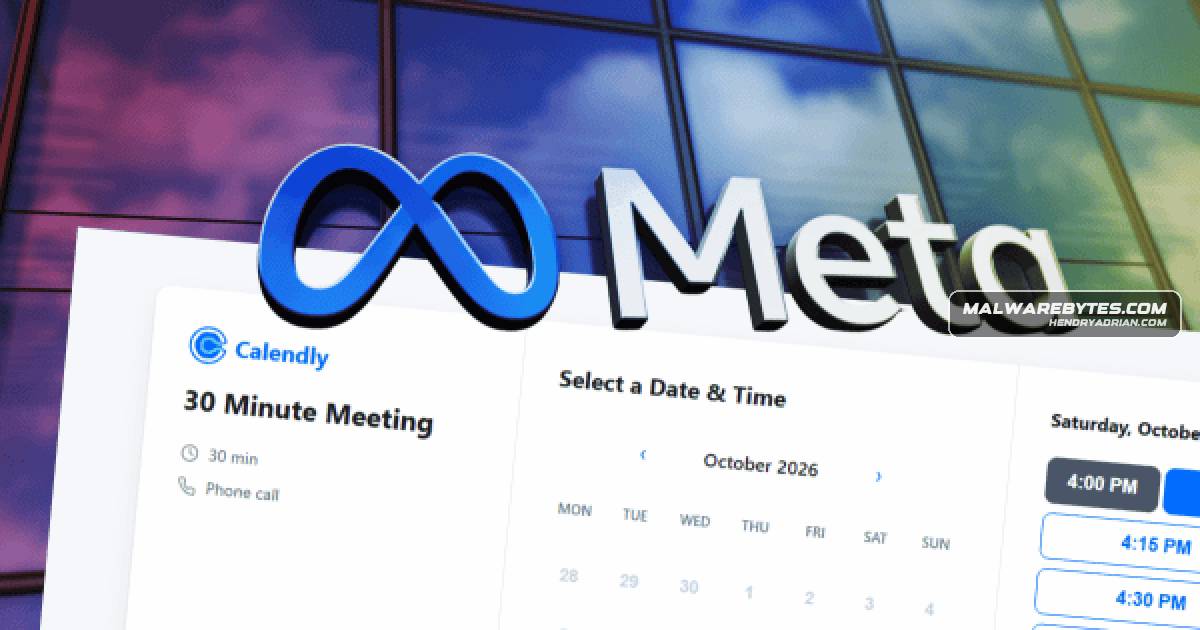
CalendlyWe found a wave of websites posing as Calendly booking pages for job interviews at Meta. Visitors pick a slot for a 30-minute phone call with a recruiter, fill in their details, and pass what looks like a CAPTCHA.FacebookThen the page asks them to log in to Facebook.Googleauthentication (2FA) codes meant to protect the account. Visitors are then asked to sign in to their Google account too, supposedly “for security.”Malwarebytes Browser GuardMalwarebytes Browser Guard can block phishing and scam sites before you interact with them. That matters in campaigns like this one, where the page closely copies a service people use every day.Malwarebytes Scam GuardIf you receive an interview link and aren’t sure about it, Malwarebytes Scam Guard can help assess the link before you click.