Huntress Details How to Detect Deceptive macOS Installers Before Malware Runs
Summary
Deceptive macOS disk images trick users into bypassing Gatekeeper to install infostealers. Huntress describes detecting them at mount time using volume contents, background-image OCR, and suspicious filenames.
Key points
- Attackers use SEO-poisoned results, torrent networks, and cracked-software forums to distribute fake macOS installers, often as disk images.
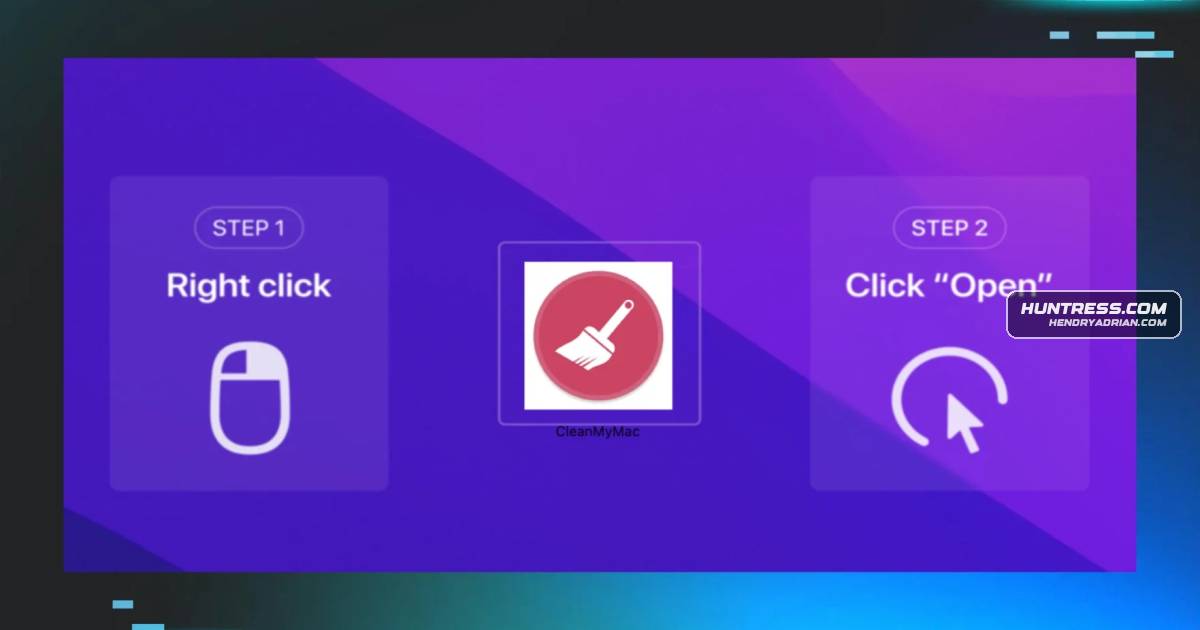
- Installer lures may use branded background images, filenames, or piracy-related claims to persuade users to bypass Gatekeeper or run a file in Terminal.
- The article says more than 65% of newly reported macOS malware in 2025 was classified as infostealers.
- Infostealers can rapidly collect saved passwords, browser cookies, authentication tokens, and crypto wallets, then send the data to command-and-control servers without establishing persistence.
- Huntress describes monitoring Endpoint Security mount events to identify virtual disk images, then checking for hidden background directories, OCR-matching their text, and fuzzy-matching suspicious filenames.
- For a detected installer, the recommended immediate response is to unmount the disk image and stop related processes; analysts can assess whether the user proceeded and what may have been exposed.
Article Details
- Defense Focus
- Detect deceptive macOS disk-image installers at mount time, before the user launches the malware.
- Detection Methods
- Monitor Endpoint Security mount events and identify virtual mounts.
- Inspect mounted volumes for a .background directory.
- Run OCR on background images and compare extracted text with known malicious phrases.
- Match filenames and extensions against suspicious indicators, using fuzzy matching to catch misspellings.
- If a user proceeds past the mount, hunt for suspicious AppleScripts, privilege escalation, and keychain access.
- Data Sources
- Apple Endpoint Security mount events, including mount disposition.
- Mounted-volume contents, including directories, filenames, and file extensions.
- Text extracted from installer background images.
- Post-mount behavior, including AppleScript activity, privilege-escalation activity, and keychain access.
- Rule Types
- OCR-based phrase matching against a curated library of malicious instructions.
- Filename and extension indicator matching with fuzzy matching.
- Platforms
- macOS
- Defensive Actions
- Escalate critical detections to a SOC analyst for triage.
- Unmount the disk image and halt processes associated with it.
- Determine whether the user proceeded past the installer, assess potentially exposed data, and guide cleanup.
- Educate users to recognize deceptive installer lures and avoid manually overriding Gatekeeper.
MITRE ATT&CK
People
Malware
Atomic macOS Stealer (AMOS)guide directing the user to right-click and override Gatekeeper. This is the most common pattern, used by AMOS, Poseidon, Odyssey, and MacSync.MacSyncand override Gatekeeper. This is the most common pattern, used by AMOS, Poseidon, Odyssey, and MacSync.Odysseyuser to right-click and override Gatekeeper. This is the most common pattern, used by AMOS, Poseidon, Odyssey, and MacSync.Poseidonthe user to right-click and override Gatekeeper. This is the most common pattern, used by AMOS, Poseidon, Odyssey, and MacSync.
Vendors
Products
Endpoint Security APIMount event monitoring. Fortunately, Apple has a pretty great set of telemetry streaming from its Endpoint Security API (ES). This set of data includes an ES event called mount, which generates an API message wheneverGatekeeperThe moment a legitimate application executes for the first time, it triggers Gatekeeper, Apple’s built-in digital bouncer.macOSHomeBlogThe Fake Download That Steals Everything: How Deceptive Installers Are Targeting macOS UsersVision frameworkIf a background image is found, the agent uses Apple's Vision framework to run optical character recognition (OCR) on it, extracting any text.