
Microsoft Tests Remote Lock for Lost or Stolen Windows Devices
Summary
Microsoft is testing an Intune-based feature that lets administrators remotely lock managed Windows devices without erasing them. The lock persists offline and across restarts, but does not isolate the device or replace BitLocker.
Key points
- Remote Lock is being tested in Windows 11 Insider Preview Beta and Experimental builds.
- Admins can lock eligible Enterprise, Education, or Pro devices through Intune custom configuration profiles.
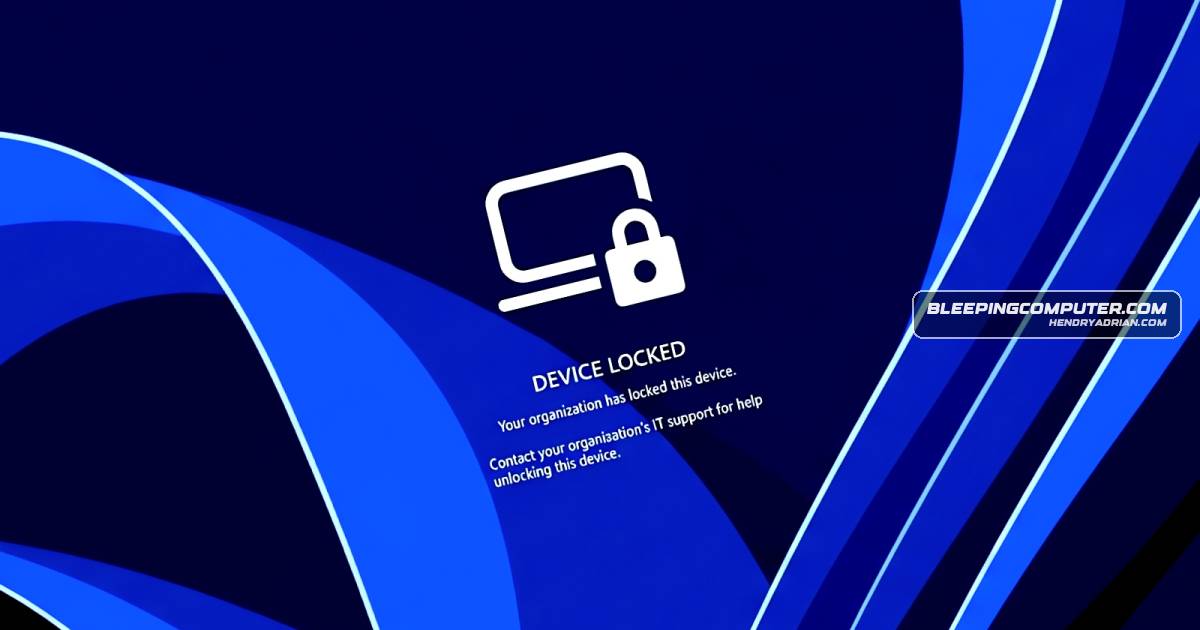
- The lock signs out active sessions and disables sign-in options; only an administrator can unlock the device through Intune.
- The device remains enrolled and managed, and its data is not erased; the lock persists across restarts and while offline.
- Remote Lock does not isolate a device from the enterprise network or wipe it; admins must use separate Intune controls for those actions.
- Microsoft advises keeping BitLocker enabled because recovery environments and booting from external media are not blocked.
- The preview builds also test management of individual FIDO2 security-key passkeys and enterprise settings such as required user verification and minimum PIN length.
Article Details
- Event Type
- Microsoft is testing Remote Lock, a feature for remotely locking lost or stolen Windows devices.
- Impact
- Enterprise administrators can lock eligible Windows devices through Microsoft Intune without wiping them. The lock signs out active sessions, blocks local sign-in options, persists across restarts and offline use, and can only be removed remotely by an administrator. It does not isolate the device from the enterprise network or erase it. Microsoft says BitLocker should remain enabled to protect data if a device is reimaged or its drive is removed. The feature is being tested in Windows 11 Insider Preview Beta and Experimental builds.
People
Vendors
Products
BitLocker"Nothing is erased: the device stays enrolled and managed, BitLocker stays on and user data stays in place.Microsoft IntuneAdmins can use Microsoft Intune custom configuration profiles to lock Microsoft Entra-joined, hybrid-joined, or MDM-enrolled devices that run Windows Enterprise, Education, or Pro.Windows 11Named Remote Lock, this new feature is shipping to devices upgraded to Windows 11 Insider Preview builds in the Beta (Build 26320.10003) and Experimental (Build 26340.10013) channels.