
Tutorial Demonstrates AppLocker Bypasses Using Ligolo-NG
Summary
A hands-on tutorial demonstrates bypassing AppLocker and PowerShell restrictions in a simulated Windows environment using trusted binaries, reflective shellcode injection, and Ligolo-NG to establish a reverse TLS tunnel.
Key points
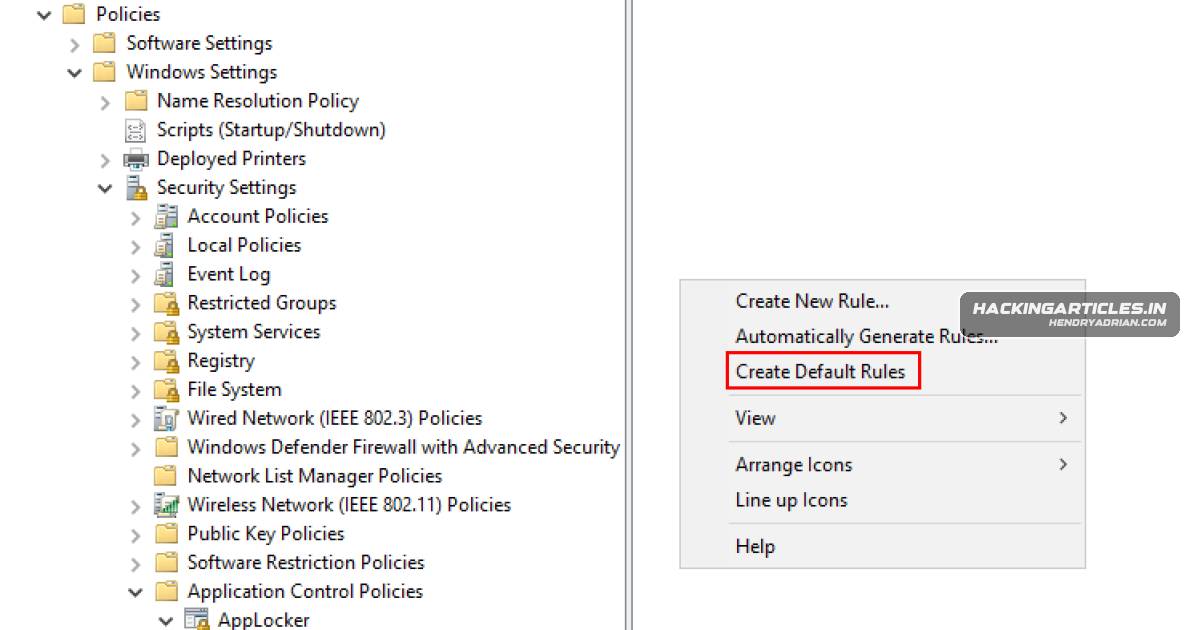
- The walkthrough configures AppLocker to block unsigned executables, then verifies that direct execution of the Ligolo agent is blocked.
- It demonstrates using InstallUtil and MSBuild as trusted binaries to run code despite application-control restrictions.
- Donut converts the Ligolo agent into shellcode for reflective injection into a suspended process through a PowerShell loader.
- The tutorial uses MSBuild inline tasks to run code outside PowerShell Constrained Language Mode restrictions.
- Ligolo proxy callbacks are used to confirm agent execution and establish a reverse TLS tunnel in the simulated environment.
- The article focuses on AppLocker enforcement and PowerShell restrictions; it does not provide equivalent step-by-step validation of a WDAC bypass.
Article Details
- Topic
- Demonstration of bypassing AppLocker and WDAC using Ligolo-NG, trusted Windows binaries, and in-memory payload execution.
Indicators of compromise
| Type | Indicator | Context |
|---|---|---|
| IPV4 | 192[.]168[.]1[.]42 | Attacker-controlled server in the demonstration, used to host payloads and receive Ligolo callbacks. |
| URL | hxxp[:]//192[.]168[.]1[.]42/agent.exe | Payload download URL hosted on the attacker-controlled server in the demonstration. |
| URL | hxxp[:]//192[.]168[.]1[.]42/ligolo.ps1 | PowerShell loader URL used to retrieve and execute the in-memory payload in the demonstration. |
| URL | hxxp[:]//192[.]168[.]1[.]42/loader.txt | Encoded reflective-loader download URL hosted on the attacker-controlled server in the demonstration. |
MITRE ATT&CK
T1071.001 · Web ProtocolsThe Ligolo agent establishes a reverse TLS connection to the attacker-controlled proxy.T1090 · ProxyLigolo is used to establish an internal proxy session through the compromised host.T1105 · Ingress Tool TransferPayloads and loader files are transferred from the attacker-controlled server to the target.T1218.004 · InstallUtilInstallUtil is abused as a trusted binary to execute code despite application control restrictions.T1562.001 · Disable or Modify ToolsThe demonstration bypasses AppLocker application control restrictions.T1620 · Reflective Code LoadingThe Ligolo payload is executed reflectively in memory.
Vendors
Products
AppLockerThis article demonstrates how attackers bypass AppLocker and Windows Defender Application Control (WDAC) by abusing trusted binaries, living-off-the-land techniques, in-memory payloads, and tunneling tools such asMicrosoft WindowsThis article demonstrates how attackers bypass AppLocker and Windows Defender Application Control (WDAC) by abusing trusted binaries, living-off-the-land techniques, in-memory payloads, and tunneling tools such asMSBuild.exeto shellcode with Donut, hosting artifacts, and executing them via trusted binaries (InstallUtil, MSBuild) or PowerShell memory injection to establish a Ligolo reverse TLS tunnel and bypass Constrained LanguagePowerShellwith Donut, hosting artifacts, and executing them via trusted binaries (InstallUtil, MSBuild) or PowerShell memory injection to establish a Ligolo reverse TLS tunnel and bypass Constrained Language Mode.Windows Defender Application Control (WDAC)This article demonstrates how attackers bypass AppLocker and Windows Defender Application Control (WDAC) by abusing trusted binaries, living-off-the-land techniques, in-memory payloads, and tunneling tools such as
Tools
DonutIt outlines preparing Ligolo and a reflective loader, converting payloads to shellcode with Donut, hosting artifacts, and executing them via trusted binaries (InstallUtil, MSBuild) or PowerShell memory injection toLigolo-ngtrusted binaries, living-off-the-land techniques, in-memory payloads, and tunneling tools such as Ligolo-NG.SharpReflectivePEInjectionOpen the SharpReflectivePEInjection Project in Visual Studio