
Video Demonstrates PowerShell Empire Remote Access, File Retrieval and Ransomware Features
· 10:27 · Watch on YouTube ↗
Summary
The video demonstrates setting up PowerShell Empire, creating an HTTP listener and Windows batch stager, gaining an agent after execution, browsing and downloading a file, and using modules presented for privilege escalation, credential dumping and ransomware.
Key points
- The presenter sets up PowerShell Empire and an HTTP listener on a Linux machine.
- A Windows batch stager is created, hosted, downloaded and executed on a target Windows computer, after which an Empire agent appears.
- The presenter uses the agent to browse the target's folders and retrieve a file described as containing a password.
- The video presents modules for privilege escalation and credential dumping, but does not demonstrate those functions.
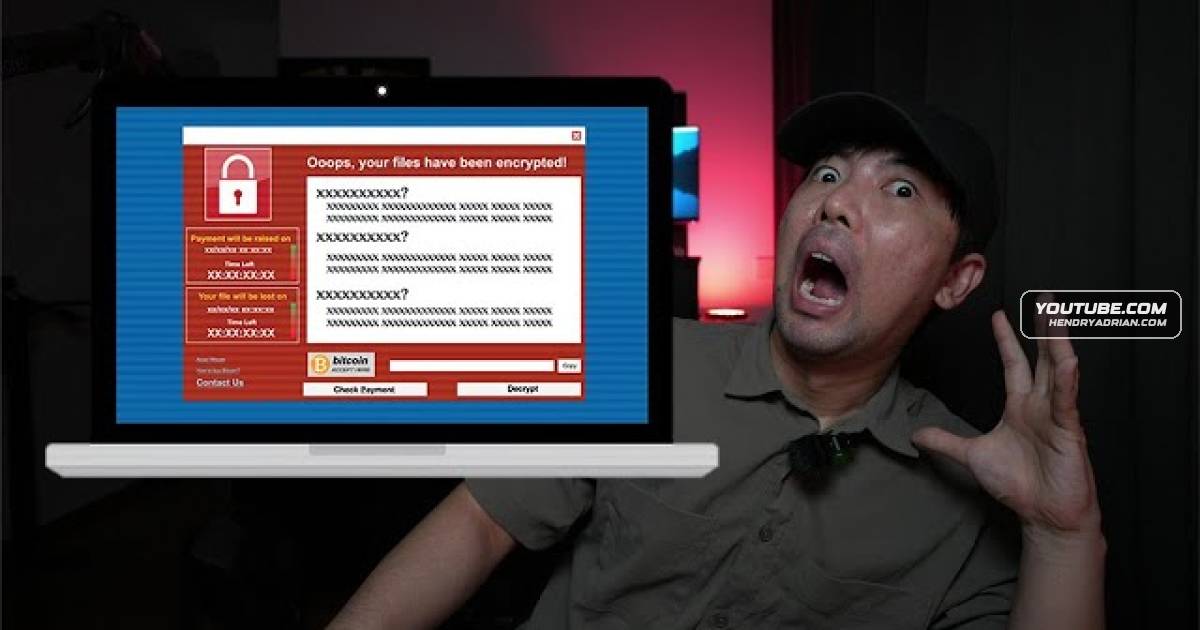
- The presenter selects an encryption/ransomware module and says it runs; this is a demonstration, not reporting of a real-world incident.
Article Details
- Topics
- [00:30] PowerShell Empire setup, server launch and web interface
- [02:33] Creating an HTTP listener and stager
- [04:49] Hosting and executing the Windows stager to establish an agent
- [06:53] Browsing target files and retrieving a file
- [09:00] Empire modules for privilege escalation, credential dumping and ransomware