
Tutorial Demonstrates Gophish Phishing Simulation and Credential Capture
· 10:40 · Watch on YouTube ↗
Summary
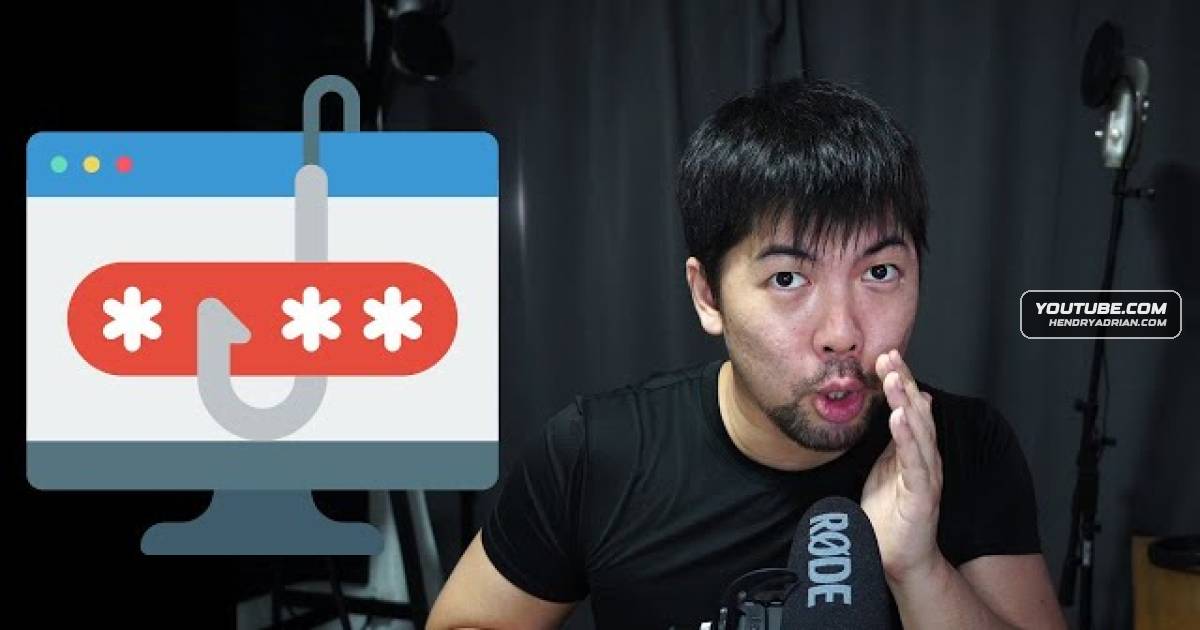
The tutorial configures Gophish to send a phishing simulation, use a cloned Gmail login page, and record link clicks and credentials entered by a test recipient.
Key points
- The walkthrough configures Gophish with an email sending profile using Gmail SMTP.
- It creates a landing page by copying a Gmail login template from the Social-Engineer Toolkit and enables capture of submitted data and passwords.
- The email template is configured to direct links to the landing page and track email opens.
- A target recipient is added, and a campaign is launched to demonstrate email delivery, link clicks, and submitted credentials.
- The demonstration presents credential capture in a phishing simulation; it does not report a real-world incident.