
Debugging Shellcode with SCLauncher and WinDBG
· 11:09 · Watch on YouTube ↗
Summary
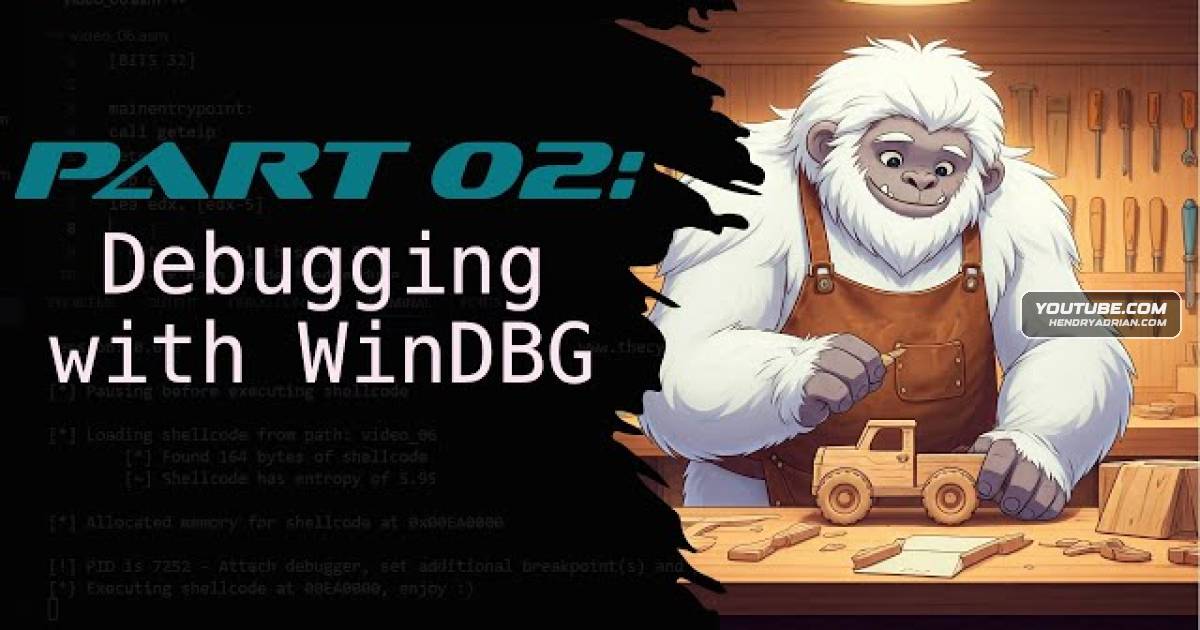
A tutorial demonstrates using SCLauncher with WinDBG and X32 to load shellcode, attach a debugger, set breakpoints, inspect memory, and step through execution.
Key points
- SCLauncher can load shellcode into allocated writable, readable, and executable memory and execute it.
- The tutorial shows how to select an entry-point offset when shellcode does not begin at the start of the file.
- Using SCLauncher’s pause option lets the user attach a debugger before execution begins.
- The presenter demonstrates attaching WinDBG to the process, setting a breakpoint at the allocation base, and inspecting memory.
- SCLauncher can insert a software breakpoint into the shellcode; the tutorial notes that debugger behavior may vary.
- The demonstrated shellcode is described as a basic template whose functions lack required arguments.
Article Details
- Topics
- [00:16] Debugging shellcode and the debuggers used
- [00:49] SCLauncher options for loading, wrapping, and executing shellcode
- [01:47] Shellcode arguments, entry points, and memory allocation
- [03:20] Using breakpoints and pausing execution to attach a debugger
- [05:05] Attaching WinDBG, setting a breakpoint, and inspecting memory
- [07:52] SCLauncher-inserted breakpoints and launching it from the debugger