
Debugging Shellcode with SCLauncher and x32dbg
· 4:08 · Watch on YouTube ↗
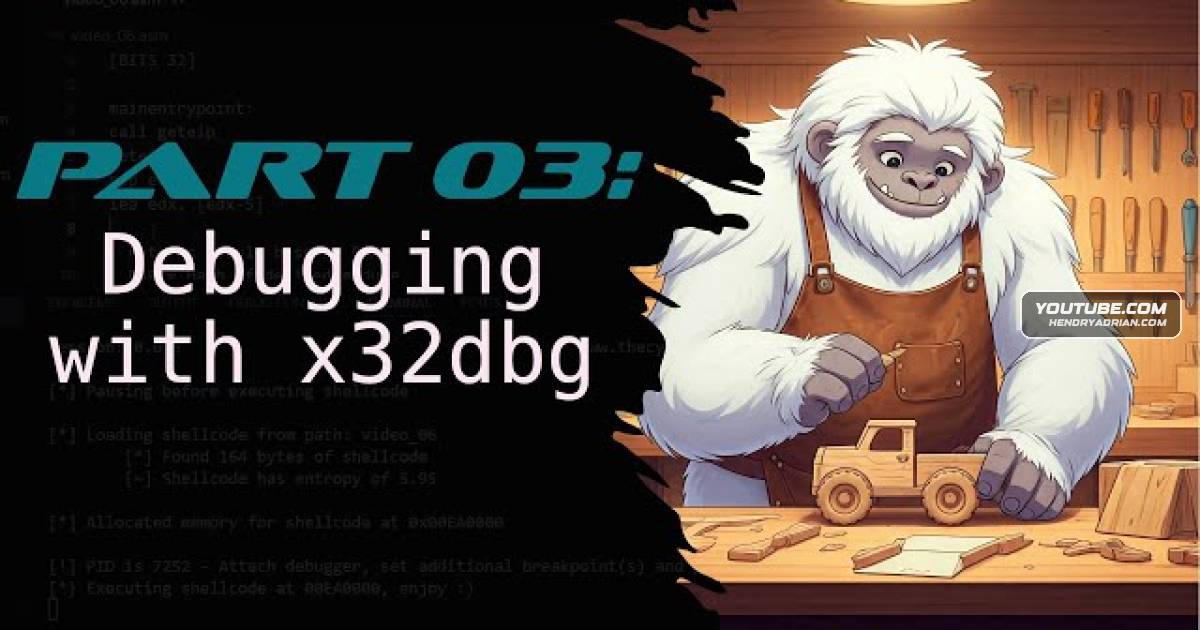
Summary
The tutorial demonstrates loading 32-bit shellcode with SCLauncher, attaching the matching x32dbg debugger, setting a software breakpoint, and running the code to inspect its execution.
Key points
- SCLauncher loads the shellcode into memory and pauses so the debugger can attach.
- Use the 32-bit debugger for a 32-bit SCLauncher process; the process may not appear in the attach list of the 64-bit debugger.
- The tutorial sets a software breakpoint with the BP command, then uses G to run until the breakpoint.
- At the breakpoint, the debugger shows the first shellcode instruction and lets the user inspect execution.
- SCLauncher can also be launched directly from the debugger using its command-line option.
- The next lesson will cover wrapping shellcode in a PE file and using IDA Pro.
Article Details
- Topics
- [00:00] Debugging shellcode with a debugger other than WinDbg
- [00:34] Loading shellcode with SCLauncher and choosing the matching 32-bit debugger
- [01:54] Setting a software breakpoint and running to inspect shellcode execution
- [02:52] Launching SCLauncher from the debugger and previewing the IDA Pro lesson