
Browser Protections Alone Don’t Confirm Enterprise Remediation After the eMudhra Incident
Summary
Sonatype’s open-source eMudhra Audit and Fix script checks selected developer tools and certificate trust stores on Unix-like machines. The article explains remediation steps and warns that the script does not cover remote hosts, containers, or every installation.
Key points
- Different tools may rely on separate operating-system, bundled, or runtime certificate trust stores, so updating a browser alone may not remediate other environments.
- The open-source eMudhra Audit and Fix script checks selected tools, including Java, Node.js, Python, Go, and Git, on the machine where it runs.
- Where supported, live HTTPS probes check certificates chaining to affected intermediates; a GitHub control helps distinguish certificate rejection from other connection problems.
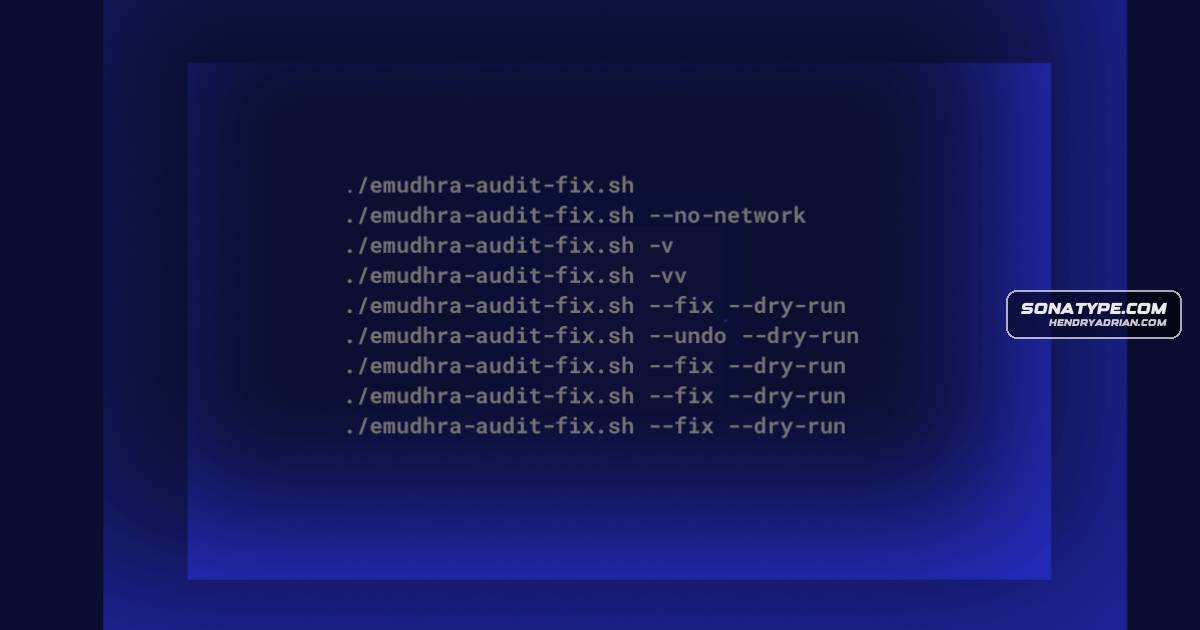
- By default, the script makes no changes and sends no file contents in its HTTPS requests. The --no-network option skips live probes.
- Optional --fix actions can change supported tools or trust stores after prompting; --dry-run previews actions. The article advises reviewing proposed changes and preferring vendor updates where available.
- The script does not scan remote hosts, containers, or per-project dependencies, and some checks rely on versions rather than live probes; results do not establish organization-wide remediation.
Article Details
- Defense Focus
- Identify developer tools and environments that still trust certificate chains affected by the eMudhra incident, and verify remediation beyond browser status.
- Detection Methods
- Run the eMudhra Audit and Fix script on Unix-like machines to inspect supported developer tools, system certificate bundles, and trust stores.
- Where supported, probe two test hosts whose certificates chain to the affected intermediates and compare results with a GitHub control to help distinguish certificate rejection from other connection failures.
- Compare selected tool versions with fixes listed in the incident reference; when a live probe and version check disagree, prioritize the live probe.
- Use --no-network to run version checks without live probes; rerun checks after remediation and record systems that still need attention.
- Data Sources
- Operating-system trust stores and system certificate bundles
- Runtime-specific trust stores, including Java JDK cacerts
- Bundled certificate lists used by developer tools
- Live HTTPS probe results and certificate-chain validation
- Tool versions and the incident reference's listed fixes
- Platforms
- Unix-like machines
- Developer workstations
- CI runners
- Container images
- Production hosts
- Defensive Actions
- Inventory trust configuration and the installation paths used by each tool.
- Apply relevant operating-system, runtime, or application-vendor updates, preferring vendor updates where available.
- Review proposed changes before using --fix; use --dry-run to preview supported changes.
- Test workarounds against dependent systems and services.
- Audit containers, build agents, managed systems, and other environments separately; a workstation audit does not establish their remediation status.
- Assign ownership for each trust store and verify remediation with follow-up checks.
People
Vendors
eMudhraBrowser protections were an important first response to the eMudhra certificate authority incident.SonatypePaul Horton, Sonatype's Open Source Program Office (OSPO) Global Director, created the open source eMudhra Audit and Fix script to help teams inspect selected developer tools on Unix-like machines.
Products
GitThe script checks tools such as Java, Node.js, Python, Go, and Git, along with system certificate bundles and other components.GoThe script checks tools such as Java, Node.js, Python, Go, and Git, along with system certificate bundles and other components.JavaA tool may use the operating system's trust store, a bundled certificate list, or a runtime-specific store such as a Java JDK's cacerts.Node.jsThe script checks tools such as Java, Node.js, Python, Go, and Git, along with system certificate bundles and other components.PythonThe script checks tools such as Java, Node.js, Python, Go, and Git, along with system certificate bundles and other components.