
Fake Crypto AML Checkers Trick Users Into Approving Malicious Wallet Transactions
Summary
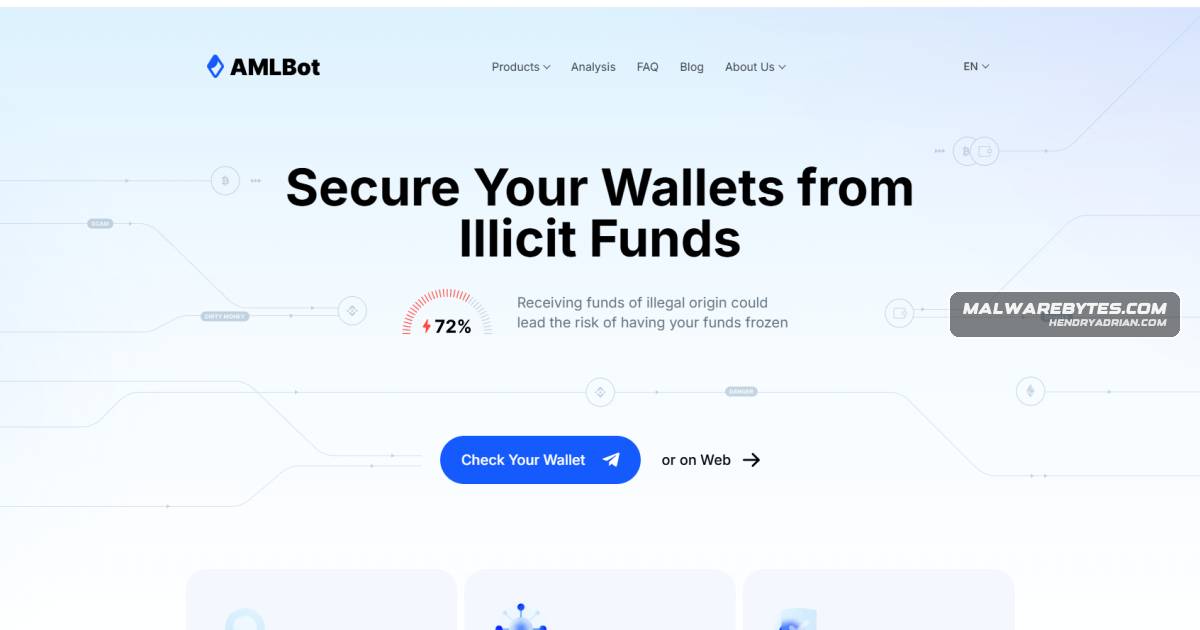
Fake AML-checking sites impersonate services such as AMLBot, prompting users to connect wallets and approve attacker-generated transactions. The article explains the scam and advises disconnecting sites, revoking token permissions, and moving exposed funds.
Key points
- A basic wallet screening needs only a public wallet address; requests to connect a wallet, approve access, or sign an unexpected transaction are warning signs.
- Fake sites copy legitimate AML services’ branding and use progress screens, bogus fees, and reassuring “Clean, Low Risk” results.
- Connecting a wallet reveals its public address and associated assets, which scammers may use to tailor a transaction for the user to approve.
- If a wallet was only connected, disconnect the site; if token access was approved, review and revoke permissions.
- If an unexpected transaction was signed or a recovery phrase or private key was entered, the article advises moving remaining assets to a new wallet.
- The article warns against opening downloads from the sites and against recovery offers that demand a fee after crypto is lost.
Article Details
- Defense Focus
- Prevent wallet loss from fake AML-checking sites and guide users in identifying and responding to suspicious wallet connections, approvals, and transactions.
- Detection Methods
- Check website addresses carefully, especially when reached through ads, social media, messages, or search results.
- Treat requests to connect a wallet, approve unexpected token access, confirm an unexpected transaction, send crypto, or disclose recovery phrases or private keys as warning signs.
- Review wallet token permissions and revoke unrecognized approvals.
- Check recent wallet activity after confirming or signing an unexpected transaction.
- Data Sources
- Wallet token permissions and approvals, including the apps or smart contracts with access to tokens.
- Recent wallet activity and transaction history.
- Website addresses and the wallet connection or transaction prompts shown by the site.
- Platforms
- Browser Guard
- Wallet provider approval checkers
- Defensive Actions
- Disconnect the suspicious site if the wallet was only connected.
- Revoke unrecognized token permissions if access was approved.
- Move remaining funds to a new wallet if a suspicious transaction was confirmed or signed, or if assets may be at risk.
- Treat a wallet as compromised and move assets to a new wallet with a new recovery phrase if its recovery phrase or private key was entered.
- Do not open downloads from the site; delete them and run a malware scan.
- Be wary of fee-based recovery offers after funds are stolen.
Indicators of compromise
| Type | Indicator | Context |
|---|---|---|
| DOMAIN | amlbot-clear[.]com | Listed as a fake AML-checker domain impersonating legitimate wallet-screening services. |
| DOMAIN | audittrust[.]shop | Listed as a fake AML-checker domain used in the scam. |
| DOMAIN | bitget-aml[.]com | Listed as a malicious lookalike AML-checker site. |
| DOMAIN | search-aml[.]net | Listed as a malicious lookalike AML-checker site. |
| DOMAIN | swapstoken[.]app | Listed as a malicious lookalike AML-checker site. |