
Huntress Reconstructs a Qilin Ransomware Attack from Limited Endpoint Evidence
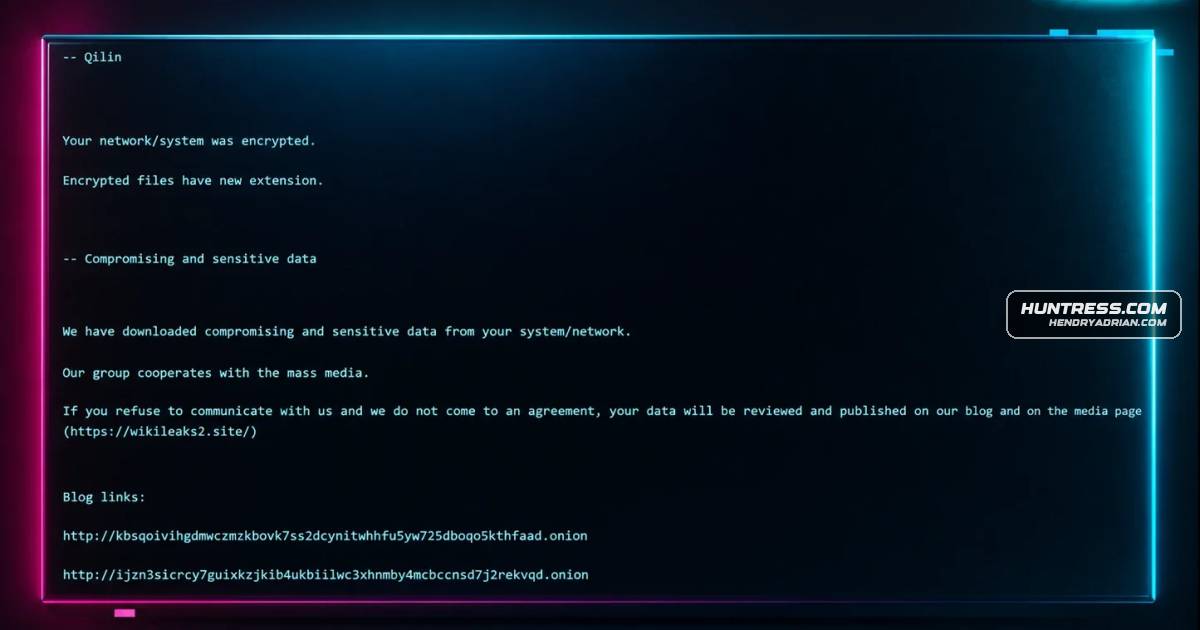
Summary
Huntress analysts used Windows logs and compatibility records to reconstruct a Qilin ransomware incident despite post-incident, single-endpoint visibility, tracing rogue remote access, attempted payload execution, and ransom-note activity.
Key points
- Huntress installed its agent after the incident on one endpoint; investigators lacked EDR and SIEM telemetry and had no ransomware canary alerts.
- Windows Event Logs showed access on October 8, 2025, and installation of a rogue ScreenConnect instance pointing to 94.156.232[.]40.
- On October 11, the ScreenConnect instance transferred three files. The r.ps1 script appeared intended to collect RDP usernames, domains, and client IPs, but script execution was blocked.
- AmCache and Program Compatibility Assistant logs helped investigators recover hashes and determine that s.exe and ss.exe apparently failed to execute; s.exe appeared to be an infostealer based on VirusTotal detections.
- Windows Defender records showed real-time protection was disabled and settings were changed before the attempted file executions.
- After a remote login, Defender detected ransom-note creation attempts and reported failed remediation; Huntress assessed that ransomware was likely launched from another endpoint against network shares.
- Huntress says its analysts have observed varied Qilin affiliate activity across incidents, underscoring the value of validating findings across multiple data sources.
Article Details
- Attack Vectors
- The attacker accessed the endpoint remotely; Huntress notes that other Qilin incidents it observed began with RDP logins.
- A rogue ScreenConnect instance was installed and used to transfer files to the endpoint.
- The attacker disabled Windows Defender protections, attempted to run two transferred executables, and attempted to run a PowerShell script that queried RDP connection events.
- Ransom-note detections following a remote login led analysts to assess that ransomware was launched from another endpoint against network shares.
- Defensive Notes
- Validate incident findings across multiple data sources, including Windows Event Logs, AmCache, and Program Compatibility Assistant logs, especially when endpoint telemetry is limited.
- Review Windows Defender event records for changes to protection settings and status.
- Use evidence from endpoint logs and detections to assess the scope of activity across endpoints and network shares.
Indicators of compromise
| Type | Indicator | Context |
|---|---|---|
| IPV4 | 94[.]156[.]232[.]40 | IP address that the article identifies as the destination of a rogue ScreenConnect instance. |
| SHA1 | ba79cdbcbd832a0b1c16928c9e8211781bf536cc | Hash listed for ss.exe, a transferred executable that the article says apparently failed to run. |
| SHA256 | af9925161d84ef49e8fbbb08c3d276b49d391fd997d272fe1bf81f8c0b200ba1 | Hash listed for s.exe, which the article assesses appears to be an infostealer. |
MITRE ATT&CK
T1021.001 · Remote Desktop ProtocolThe article describes remote access to the endpoint and notes that other Qilin incidents observed by Huntress began with RDP logins.T1059.001 · PowerShellThe attacker attempted to run r.ps1, a PowerShell script that queried RDP connection events.T1105 · Ingress Tool TransferThree files were transferred to the endpoint through the ScreenConnect instance.T1219 · Remote Access ToolsA rogue ScreenConnect remote management instance was installed and used to access the endpoint and transfer files.T1486 · Data Encrypted for ImpactThe incident involved Qilin ransomware and ransom-note detections; analysts assessed that ransomware was launched from another endpoint against network shares.T1562.001 · Disable or Modify ToolsThe attacker disabled Windows Defender real-time protection and modified other Defender settings before attempting to run files.
Malware
Products
ScreenConnectthe endpoint and installed the Total Software Deployment Service, as well as a rogue instance of the ScreenConnect RMM, one that pointed to IP address 94.156.232[.]40.Windows DefenderFurther, the timeline indicates that on 2 Oct, the file %user%\Downloads\LogMeIn Client.exe was submitted by Windows Defender for review, and no other action was taken after that event.