Walkthrough Shows How to Decode Malware Data and Recover an Encrypted Command
Summary
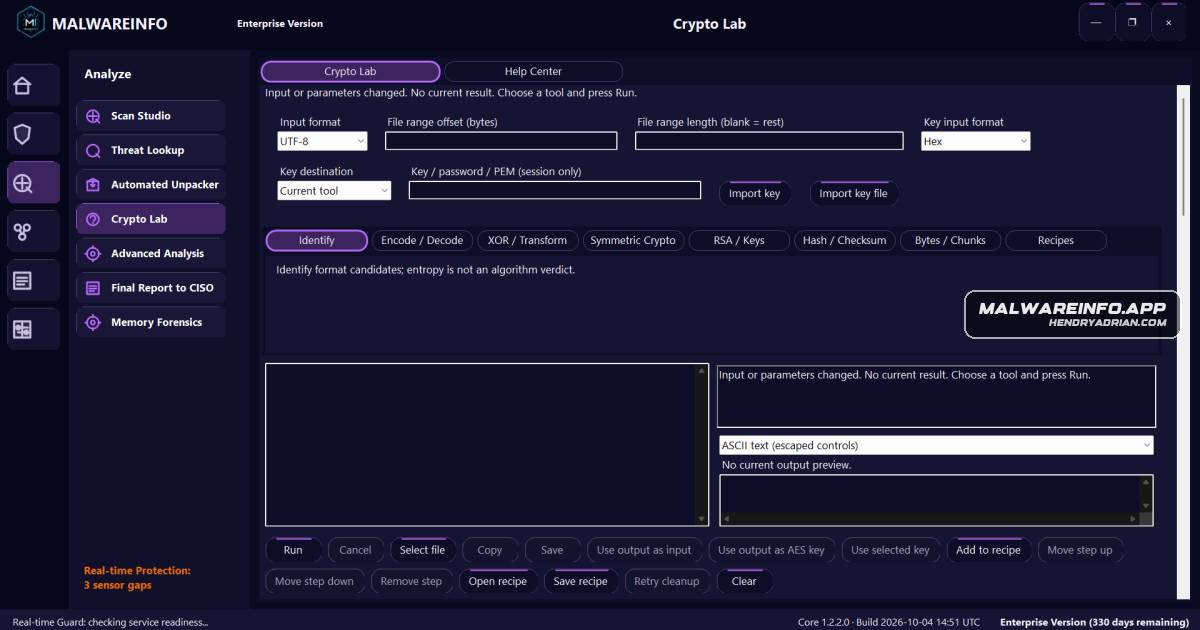
A Crypto Lab walkthrough demonstrates Base64 and XOR decoding, AES-CBC decryption, reusable recipes, and configuration inspection, recovering a download command from a fake GlobalProtect investigation.
Key points
- Crypto Lab accepts text or local file bytes and supports decoding, byte transforms, decryption, and reusable operation recipes; the article says it processes data locally and does not execute recovered commands.
- The walkthrough uses Identify to recognize Base64 and Base64URL candidates, then decodes a Base64 string into “Hello.”
- Applying a known single-byte XOR key recovers the demonstration string “Crypto Lab demo.”
- In a fake GlobalProtect investigation, the article derives an AES-256 key from SHA-256 of a program constant and decrypts AES-CBC ciphertext with a separate IV and PKCS#7 padding.
- The decrypted 90-byte command requests an executable from hxxps://cctvcam[.]serveblog[.]net/weblogin/ngxpkg; the article notes that CBC decryption did not authenticate the message.
- A two-step Base64Decode and HexDecode recipe recovers demonstration bytes, while Inspect config presents JSON entries in a structured view.
Article Details
- Topic
- MalwareINFO Pro Crypto Lab walkthrough demonstrating decoding and decryption of malware data, including recovery of a command that downloads an executable.
Indicators of compromise
| Type | Indicator | Context |
|---|---|---|
| URL | hxxps[:]//cctvcam[.]serveblog[.]net/weblogin/ngxpkg | Defanged payload-delivery URL recovered from the decrypted command; the command downloads NGXPckg.exe from this resource. |