Huntress Launches Webhooks for Real-Time Security Alerts and Integrations
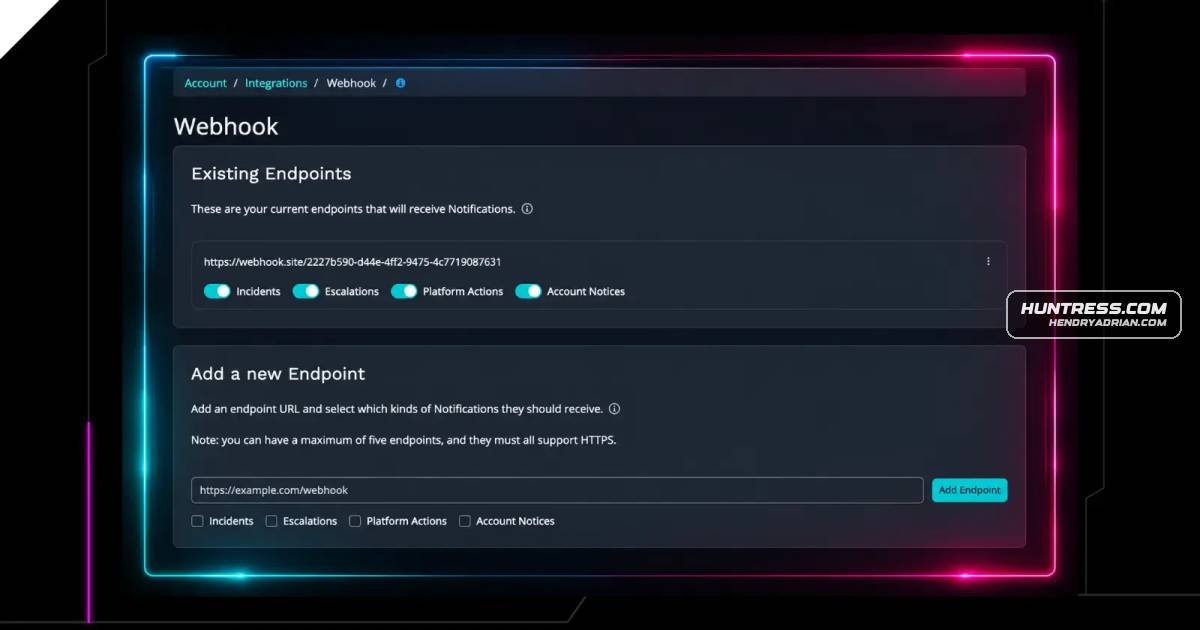
Summary
Huntress has made Webhooks available to all accounts, pushing selected events such as incidents and escalations to configured endpoints for integrations with SIEMs, ticketing systems, and other tools.
Key points
- Webhooks push notifications to a configured endpoint when subscribed events occur, avoiding the need to poll the API.
- Supported event types include incidents, escalations, platform actions, and account notices.
- Example integrations include Slack, PSA and RMM platforms, SIEMs, and workflow automation tools.
- Payloads include structured event details such as severity, status, account and organization identifiers, agent ID, and timestamps.
- Accounts can configure up to five endpoints and select which event categories to receive.
- Huntress support documentation covers configuration details, including payload signature verification.
Article Details
- Event Type
- Huntress announced that Webhooks are available to all Huntress accounts.
- Impact
- Webhooks push subscribed Huntress event notifications to a user-provided endpoint, supporting real-time alerting and workflows such as ticket creation, automation, and SIEM event routing without polling.
People
Vendors
Products
Autotask2. Auto-create tickets in your PSA: Connect Huntress Webhooks to ConnectWise Manage, Autotask, HaloPSA, or your PSA of choice. When an incident or escalation fires, a ticket gets created automatically with the eventConnectWise Manage2. Auto-create tickets in your PSA: Connect Huntress Webhooks to ConnectWise Manage, Autotask, HaloPSA, or your PSA of choice. When an incident or escalation fires, a ticket gets created automatically with the eventHaloPSA2. Auto-create tickets in your PSA: Connect Huntress Webhooks to ConnectWise Manage, Autotask, HaloPSA, or your PSA of choice. When an incident or escalation fires, a ticket gets created automatically with the eventHuntress Webhooks2. Auto-create tickets in your PSA: Connect Huntress Webhooks to ConnectWise Manage, Autotask, HaloPSA, or your PSA of choice. When an incident or escalation fires, a ticket gets created automatically with the eventMakeWe've been building out our API capabilities to make it easier to get Huntress data where you need it. But for real-time alerting, APIs require your system to continuously ask, "Did anything change?" That polling modelMicrosoft Teamsor clients: Not every MSP runs the same workflow. You can use Webhooks to pipe Huntress events into Microsoft Teams, email distribution lists, PagerDuty, or any system that accepts an HTTPS POST. Build then8nin your RMM or workflow platform: Webhooks pair naturally with automation tools like Make, Zapier, or n8n. An escalation from Huntress can kick off a workflow that isolates a machine, sends an alert to a clientPagerDutyworkflow. You can use Webhooks to pipe Huntress events into Microsoft Teams, email distribution lists, PagerDuty, or any system that accepts an HTTPS POST. Build the notification experience that fits how your teamZapierautomations in your RMM or workflow platform: Webhooks pair naturally with automation tools like Make, Zapier, or n8n. An escalation from Huntress can kick off a workflow that isolates a machine, sends an alert to a