
WalletGuard Campaign Used GitHub Phishing and a Credential-Stealing CLI
Summary
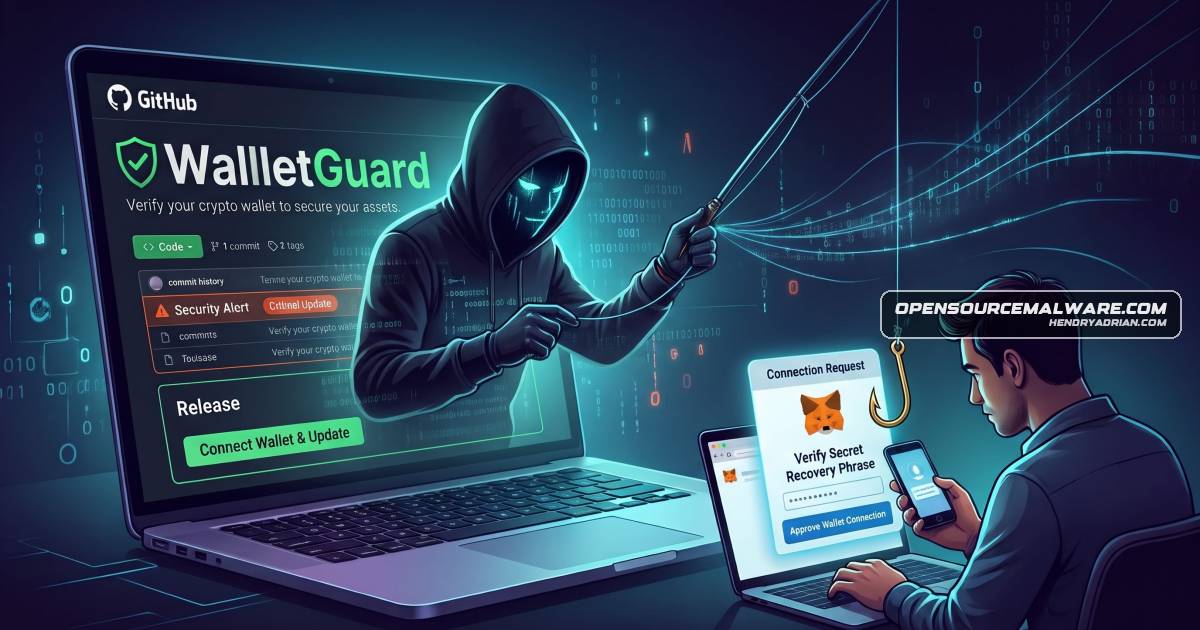
An investigation details a GitHub phishing campaign and recovered walletguard-cli stealer, which targeted wallet secrets and developer credentials. Account control and links between the two operations remain unproven.
Key points
- The campaign posted near-identical false wallet-exposure warnings across repositories; investigators retrieved and verified 197 matching GitHub issues.
- A fake wallet checker collected submitted mnemonic phrases, private keys, and keystore data, sending it to a webhook[.]site collector.
- The recovered walletguard-cli source used an npm postinstall hook and scanner command to collect wallet material, SSH keys, cloud credentials, .env files, and other data.
- The CLI encrypted collected bundles and sent them to a Cloudflare Worker that could forward secrets to Telegram; a large-upload route mismatch may have limited one delivery path.
- Investigators found evidence that at least two people submitted sensitive data to the fake checker, but said they had not established funds entering the campaign wallets.
- The account activity supports possible GitHub account takeover, but does not identify who controlled the accounts or prove that the browser phishing and CLI operations shared an operator.
- The article recommends treating submitted wallet secrets and credentials as compromised, moving funds to wallets generated from new seeds, rotating credentials, and reviewing audit records.
Article Details
- Attack Vectors
- Attackers posted coordinated GitHub issues falsely claiming that repository-associated wallet secrets had appeared in a leak, then directed readers to a fake WalletGuard verification page.
- The fake page offered mnemonic, private-key, and keystore checks but collected submitted secrets and sent them to a webhook.site collector. The article reports that the page displayed reassuring results without actually checking a dataset.
- The walletguard-cli package masqueraded as an offline wallet-hygiene scanner. Its npm postinstall hook silently collected data, and running the scan command also uploaded the bundle by default.
- The CLI installer could acquire the package through npm or retrieve its source from GitHub by cloning the repository or downloading a tarball. The article says no public walletguard or walletguard-cli npm package was found.
- The CLI searched for wallet seeds and private keys, browser-wallet data, SSH material, cloud and developer credentials, .env files, selected shell history, and seed-related screenshots. It compressed and encrypted collected data before sending it to a Cloudflare Worker, which could relay secrets to Telegram and retain some submissions in Cloudflare KV.
- Authenticated GitHub accounts staged phishing Pages repositories and posted issues. The article confirms account use but says available evidence cannot establish whether the accounts were compromised or knowingly used by their owners.
- Defensive Notes
- Do not click unsolicited GitHub security-warning links or submit wallet seeds, private keys, or keystores to a third-party verification page. Verify security claims through independently trusted channels.
- If wallet material was submitted to the fake checker, treat it as compromised even if the page reported no exposure; move assets to wallets generated from entirely new seeds on a known-clean system.
- If walletguard-cli was installed or run, assume accessible wallet secrets, SSH keys, .env contents, cloud and developer credentials, registry tokens, container credentials, Kubernetes configuration, and sampled wallet vaults may have been exposed. Rotate or revoke affected credentials and keys.
- Search GitHub notifications, email, browser history, proxy and DNS logs, and endpoint telemetry for the campaign phrase, listed URLs, wallet addresses, collector UUID, package name, and fake case number.
- Review GitHub, cloud, registry, and wallet audit records for unauthorized activity. Preserve affected hosts and ~/.walletguard/state.json when forensic evidence is needed.
- Request preservation of relevant account, token, OAuth/App, session, IP/ASN, user-agent, repository-creation, Pages-deployment, collector, Cloudflare, and Telegram records. The article notes that account-control attribution and common control of the two WalletGuard components remain unresolved.
Indicators of compromise
| Type | Indicator | Context |
|---|---|---|
verifygmail2@gmail[.]com | Commit-author email recorded for the malicious walletguard-cli repository; the article cautions that it does not establish the operator's real-world identity. | |
| SHA256 | 12e944d76883694a471e4003dfc3ea0c4931ddd41054226bcdceecc5e104cc34 | SHA-256 of lib/c2.js, the CLI component that sends collected bundles to its endpoint. |
| SHA256 | 39a7023acecd00fef9aa95a9bbbd55650ba8cb269d9ece978b27b59ca0d8111d | SHA-256 of lib/collect/index.js, the CLI's local data collector. |
| SHA256 | 53d6af1c8853c63875eea4cb11f11cefd3e09cc58623cf5f6aa1d0f6809c5ee7 | SHA-256 of worker/worker.js, the included Worker code that decrypted submissions and relayed data to Telegram. |
| SHA256 | 5ba2d39a56074b733b3c367a1b635687869485fe8b5ca0b4f5ad9379082c442f | SHA-256 of bin/walletguard.js, the malicious CLI entry point. |
| SHA256 | 5f0c022f9f4416f587c3c4aae554e4755f0f735e0c72f969dcd52864557312bf | SHA-256 of walletguard-cli-ALL (2).zip, a project packaging artifact containing the malicious tool. |
| SHA256 | 6308f2e4ec3a2b730cae2606112784ebe030defb33ea6137cb0b546a129ee884 | SHA-256 of config.json in the malicious walletguard-cli project. |
| SHA256 | 82c0bf5ce81d4c7e425fcde4f4cbfcfa6d672c781cd9d797576f44f24eb88411 | SHA-256 of the walletguard-cli install.sh installer, which retrieves and installs the package. |
| SHA256 | c5cde1095dd8e3efb7dd8ab348fdb5ec3db93cfe18c93d081df7a81029ab2c5b | SHA-256 of bin/postinstall.js, the package lifecycle hook that silently collected and uploaded data. |
| URL | hxxps[:]//amrbentaleb[.]github[.]io/wallet-security-check/ | GitHub Pages URL for the fake wallet verification page that collected submitted wallet secrets. |
| URL | hxxps[:]//github[.]com/AmrBentaleb/wallet-security-check | Repository identified as the source of the malicious fake wallet-checking page. |
| URL | hxxps[:]//github[.]com/verifygmail2-debug/walletguard-cli.git | Git repository used as a fallback source for the malicious walletguard-cli package. |
| URL | hxxps[:]//raw[.]githubusercontent[.]com/verifygmail2-debug/walletguard-cli/main/install.sh | Advertised raw installer URL for the package whose installation path invokes the malicious postinstall hook. |
| URL | hxxps[:]//walletguard-c2[.]walletcheck[.]workers[.]dev/?k=5de78591e650ec331872213867daf85ab38010c086322c21a1c317cbb1f80490 | CLI exfiltration endpoint used to POST small encrypted bundles; the article identifies the query value as the shared key. |
| URL | hxxps[:]//webhook[.]site/b39ec3ff-1525-4fdd-9f01-66dabce33eec | Specific webhook.site collector to which the fake browser checker sent submitted secrets. |
MITRE ATT&CK
T1005 · Data from Local SystemThe CLI collected wallet secrets, browser-wallet data, credentials, SSH material, environment files, and other files from the victim's local system.T1041 · Exfiltration Over C2 ChannelThe CLI POSTed collected bundles to its command-and-control endpoint for exfiltration.T1056.003 · Web Portal CaptureThe fake WalletGuard web page presented mnemonic, private-key, and keystore forms and collected the submitted secrets.T1059.007 · JavaScriptJavaScript in the phishing page assembled victim-submitted secrets and sent them to the collector.T1071.001 · Web ProtocolsThe CLI sent encrypted bundles to its Cloudflare Worker endpoint over HTTPS.T1105 · Ingress Tool TransferThe installer could retrieve the package source by cloning its GitHub repository or downloading its main.tar.gz archive.T1119 · Automated CollectionThe collector automatically searched multiple locations and file types for wallet secrets, credentials, and related data.T1204.001 · Malicious LinkVictims were urged to follow the issue link and submit wallet secrets to the fake verification page.T1546.016 · Installer PackagesInstalling walletguard-cli triggered its npm postinstall hook, which silently loaded the collector and uploaded collected data.T1552.001 · Credentials In FilesThe collector searched for credentials and secrets in files, including .env contents and developer or cloud credential files.T1552.004 · Private KeysThe CLI searched under ~/.ssh and collected SSH key material.T1560.002 · Archive via LibraryThe CLI JSON-encoded and gzip-compressed collected bundles before encrypting them.T1566.003 · Spearphishing via ServiceThe campaign used coordinated GitHub issues as a service-based lure to direct repository users to a credential-harvesting page.T1567.002 · Exfiltration to Cloud StorageThe included Worker could retain encrypted stolen submissions in Cloudflare KV for 30 days.T1567.004 · Exfiltration Over WebhookThe browser phishing page exfiltrated submitted secrets to a specific webhook.site collector.
Malware
Vendors
CloudflareKey finding: The fake browser checker uploaded wallet secrets to webhook.site, while walletguard-cli used a Cloudflare Worker and Telegram exfiltration pipelineGitHubThe OpenSourceMalware team has identified a large, coordinated campaign that turned GitHub itself into a phishing delivery network. Attackers opened security-themed issues across cryptocurrency, wallet, blockchain, andnpmThreat type: GitHub phishing, cryptocurrency theft, credential harvesting, and malicious npm-style toolingTelegramIts included command-and-control worker decrypted stolen bundles and forwarded the secrets to Telegram.
Products
Cloudflare WorkersCloudflare Workers as a way to hide the operator’s IPGitHub PagesAffected ecosystem: GitHub, GitHub Pages, Node.js/npm workflows, cryptocurrency wallets, and developer workstationsNode.jsAffected ecosystem: GitHub, GitHub Pages, Node.js/npm workflows, cryptocurrency wallets, and developer workstationsnpmThreat type: GitHub phishing, cryptocurrency theft, credential harvesting, and malicious npm-style tooling