Huntress Adds Plain-English AI Search to Managed SIEM
Summary
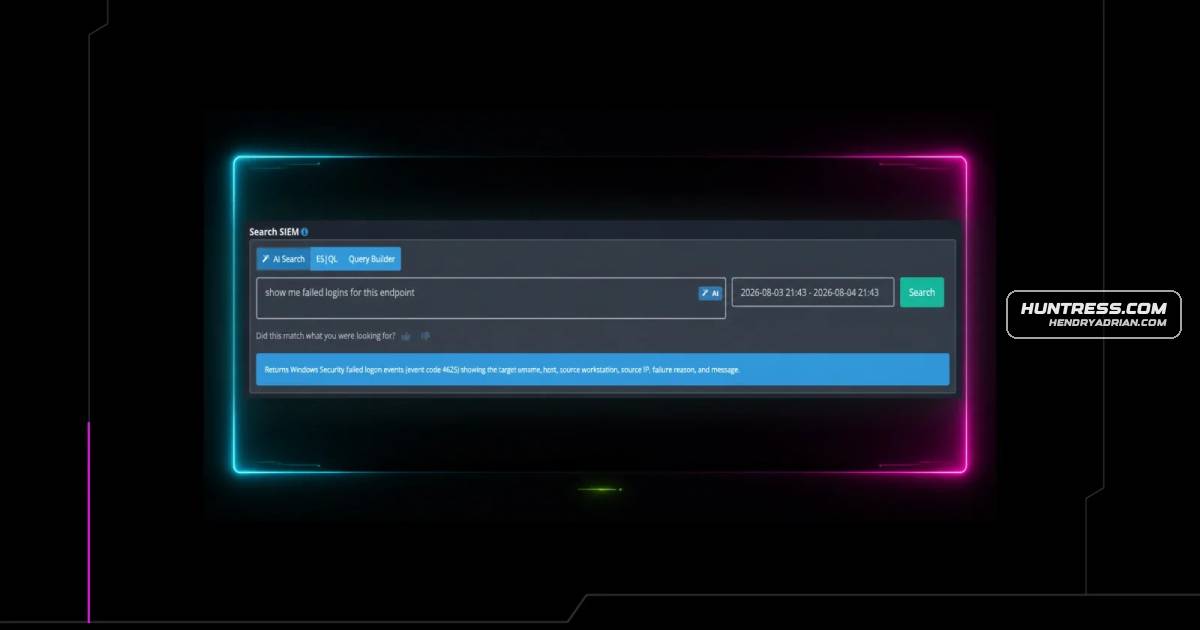
Huntress Managed SIEM’s AI Search converts plain-English questions into ESQL queries and returns matching logs. Users can inspect and edit the generated query or save searches as scheduled alerts; summarized answers are planned for a future version.
Key points
- Users can search SIEM logs with plain-English questions, such as asking about failed logins on a specific endpoint.
- AI Search translates each question into an ESQL query and returns matching logs.
- Users can view the generated ESQL and modify it, making searches a way to learn the query language.
- Saved searches can be scheduled as custom alerts hourly, daily, or weekly.
- A future version is planned to provide plain-language summaries alongside the logs.
Article Details
- Event Type
- Product feature announcement
- Impact
- Huntress AI Search lets users query Managed SIEM logs in plain English, translates questions into ESQL, displays the generated query, and lets users save searches as recurring hourly, daily, or weekly alerts. A summarized plain-language answer is described as a planned future capability.
Vendors
Products
AI SearchAI Search in Huntress Managed SIEM lets you ask those questions in plain English. Type "show me failed logins on Eddie's machine," and you get the logs, without touching a query builder or writing a line of ESQL.Huntress Agentic Security PlatformHere's where AI Search differs from the rest of the AI inside the Huntress Agentic Security Platform. Most of what's happening is behind-the-scenes, like how the platform triages and processes signals. AI Search putsHuntress Managed SIEMAI Search in Huntress Managed SIEM lets you ask those questions in plain English. Type "show me failed logins on Eddie's machine," and you get the logs, without touching a query builder or writing a line of ESQL.