
How SURBL Listings Happen and How to Remediate Them
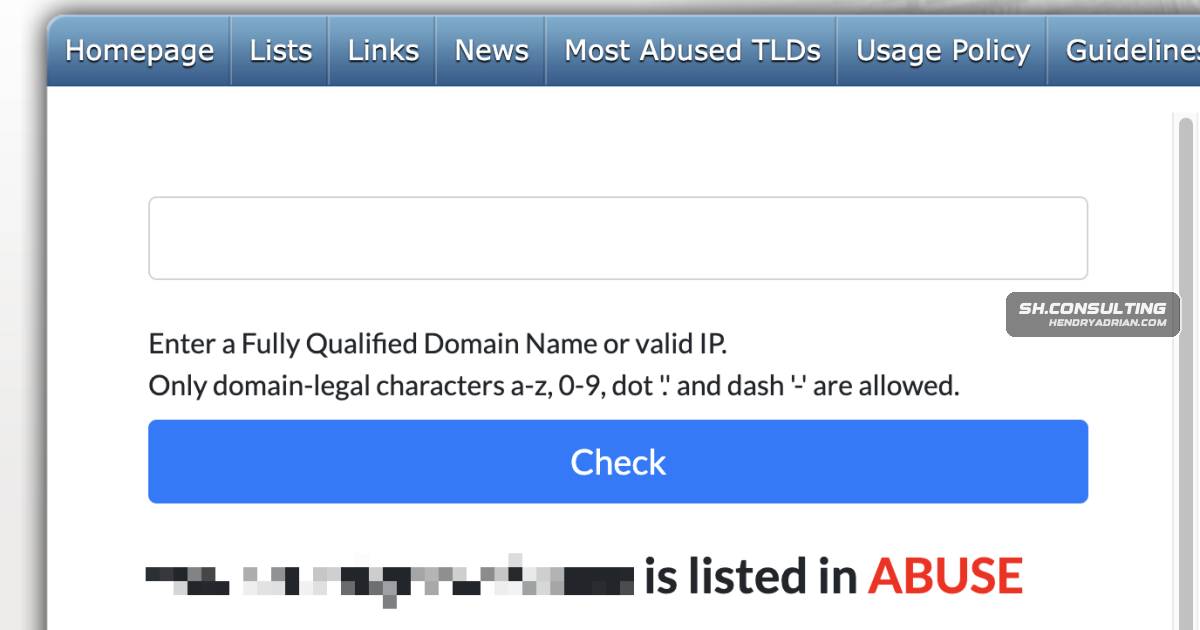
Summary
The guide explains how SURBL lists URLs in email, common causes including compromised sites, leaked ESP keys and unsolicited outreach, and a four-step process to investigate, fix root causes, strengthen email security and request delisting.
Key points
- SURBL lists domains and URLs found in unwanted email, so changing the sending IP or email platform alone may not resolve a listing.
- The article identifies compromised websites, abused ESP API keys, unsolicited outreach and spam traps as common listing causes.
- An exposed ESP API key may let an attacker send phishing or malware-laden email through a legitimate account, with messages passing the account’s email authentication checks.
- The recommended process is to identify the specific SURBL list, fix the underlying cause, strengthen email security, then submit a documented delisting request.
- Suggested security measures include rotating exposed credentials, auditing sending accounts and connected applications, enforcing DMARC, enabling MTA-STS and protecting DNS configuration.
- For listings caused by unsolicited outreach, the article recommends adjusting recipient selection, engagement practices and sending volume.
Article Details
- Defense Focus
- Identify and remediate causes of SURBL listings, then harden email, website, DNS, and application access to prevent recurrence.
- Detection Methods
- Check the bare domain with the SURBL lookup and identify the specific listing category.
- Audit the website and CMS for compromise, malicious content, or abused contact forms.
- Review ESP account activity for unauthorized sending and exposed or leaked API keys.
- Audit DNS configuration, email authentication, third-party application access, credentials, and sending patterns.
- Monitor sending domains in Google Postmaster Tools and recheck SURBL listings.
- Data Sources
- SURBL lookup results and listing category
- ESP account activity and sending records
- Website, CMS, and contact-form configuration
- DNS zone and DMARC policy
- Third-party application access and credential records
- Email sending patterns from the preceding 90 days
- Google Postmaster Tools
- Defensive Actions
- Rotate exposed ESP API keys, remove unauthorized access, and verify that unauthorized sending has stopped.
- Scan and clean compromised websites and CMS installations; remove malicious plugins and harden contact forms.
- Audit integrations and revoke unnecessary or abandoned third-party application access.
- Move DMARC to p=reject, configure MTA-STS, and protect the DNS zone with DNSSEC.
- For unsolicited outreach listings, tighten recipient lists, remove inactive recipients, reduce sending volume, and make outreach more clearly opt-in.
- Submit a delisting request only after remediation, documenting what was found, changed, and done to prevent recurrence.
MITRE ATT&CK
Vendors
GoogleLock down the DNS zone with DNSSEC. Audit which applications have access to send mail through your Google Workspace or Microsoft 365 tenant — we've found accounts with more than a dozen third-party appsMicrosoftzone with DNSSEC. Audit which applications have access to send mail through your Google Workspace or Microsoft 365 tenant — we've found accounts with more than a dozen third-party apps connected, several of themMimecastMajor commercial security gateways — Mimecast, Proofpoint, and similar — subscribe to SURBL as one input in a weighted scoring system. A SURBL listing on its own might cost you ten or fifteen points in a given filter'sProofpointMajor commercial security gateways — Mimecast, Proofpoint, and similar — subscribe to SURBL as one input in a weighted scoring system. A SURBL listing on its own might cost you ten or fifteen points in a given filter'sSendGridA SendGrid API key (or the equivalent for another platform) ends up somewhere it shouldn't. Committed to a public GitHub repo. Sitting in a config file on a compromised employee laptop. Leaked through a third-party
Products
Google WorkspaceLock down the DNS zone with DNSSEC. Audit which applications have access to send mail through your Google Workspace or Microsoft 365 tenant — we've found accounts with more than a dozen third-party apps connected,Microsoft 365 Apps for Enterprisezone with DNSSEC. Audit which applications have access to send mail through your Google Workspace or Microsoft 365 tenant — we've found accounts with more than a dozen third-party apps connected, several of themSURBLSURBL Blacklist Explained: Why Your Domain Is Listed and How to Get RemovedWordPressThe compromised infrastructure pattern. A company's WordPress site, marketing CMS, or contact form gets exploited. Sometimes the attacker injects a hidden mail-sending script that uses the site's hosting infrastructure
Tools
Google Postmaster Toolshappen again — which usually means keeping enforcement on, monitoring the sending domains in Google Postmaster Tools and the SURBL lookup, and flagging any new third-party app access that could become a futureMXToolboxIf a blacklist checker such as MXToolbox says your domain is on “SURBL multi”, it’s the same thing. SURBL publishes all of its lists as one combined list, multi.surbl.org, and that’s the name most tools show. Being