
Attackers Abuse Microsoft 365 Mailbox Rules for Stealthy Persistence and Email Fraud
Summary
Proofpoint describes how attackers use Microsoft 365 mailbox rules to hide messages, exfiltrate email, persist after password resets and hijack threads. It reports malicious rules in about 10% of compromised accounts in Q4 2025 and details ATOLS automation and defenses.
Key points
- Proofpoint reports that about 10% of compromised user accounts in Q4 2025 had at least one malicious mailbox rule created shortly after initial access; creation could occur within about five seconds.
- Rules can forward, delete, hide, or move messages to suppress alerts and expose email; forwarding and suppression rules may remain active after password changes.
- Observed malicious rules often had minimal names such as “.”, “…”, “..” and “;”, and moved messages to folders including Archive or RSS Subscriptions.
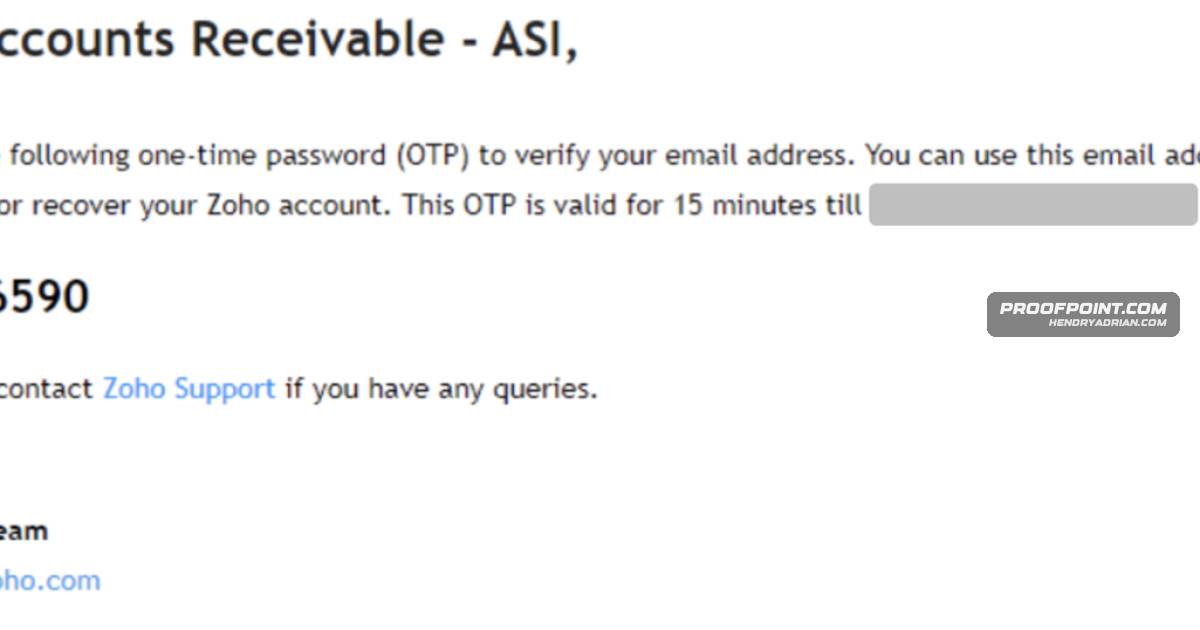
- Scenarios describe attackers using rules to suppress warnings during internal phishing and payroll fraud, and hiding service emails while setting up spoofed addresses to hijack a vendor payment thread.
- The article describes university account takeovers in which rules isolate incoming mail while compromised accounts distribute spam or phishing messages.
- Proofpoint researchers created ATOLS to demonstrate phishing-based session-token capture and automated mailbox-rule creation; the tool can also enumerate contacts, access SharePoint, or pivot to connected services.
- Recommended responses include disabling external auto-forwarding, enforcing conditional access, auditing OAuth grants, removing malicious rules, and revoking sessions and tokens.
Article Details
- Attack Vectors
- Credential phishing, including phishing links that mimic Microsoft 365 login pages and phishing attachments.
- Password spraying and brute-force attacks against user accounts.
- OAuth consent abuse and overly permissive OAuth grants.
- Theft and replay of authenticated session cookies or tokens.
- Malicious mailbox rules used to forward, delete, hide, or move messages for persistence, exfiltration, and suppression.
- Internal phishing from compromised accounts, including messages used to target additional employees.
- Registration of homoglyph domains and email accounts to impersonate legitimate participants and hijack payment threads.
- Automated mailbox-rule deployment using Microsoft Graph API or Exchange Online PowerShell.
- Defensive Notes
- Disable external automatic email forwarding by default.
- Enforce conditional access, MFA, device-compliance checks, risk-based controls, and restrictions on legacy authentication.
- Monitor OAuth app registrations, consent grants, and permission changes, particularly Mail.Read, Mail.ReadWrite, and offline_access.
- Remove unauthorized mailbox rules and check for additional hidden or conditional rules.
- Revoke active sessions and refresh tokens; reset credentials as part of containment.
- Review Entra ID sign-in logs for suspicious IPs, unfamiliar user agents, anomalous locations, and risky authentication events.
- Audit mailbox-access applications, remove unrecognized or overly permissive apps, and revalidate legitimate consent grants.
MITRE ATT&CK
T1078.004 · Cloud AccountsThe described activity uses compromised Microsoft 365 accounts and valid session access to operate in cloud environments.T1114.003 · Email Forwarding RuleAttackers create mailbox forwarding or redirection rules to send copies of selected emails to external attacker-controlled mailboxes.T1534 · Internal SpearphishingIn the payroll-fraud scenario, the attacker used a compromised account to send an internal phishing campaign to 45 additional users.T1539 · Steal Web Session CookieThe article describes a reverse proxy capturing the session cookie or token after successful authentication.T1550.004 · Web Session CookieATOLS uses the captured session cookie to access the user's Microsoft 365 environment without another MFA challenge.T1566.001 · Spearphishing AttachmentIn the payroll-fraud scenario, an internal phishing email with an attachment compromised a second account after the recipient opened it.T1566.002 · Spearphishing LinkATOLS generates phishing URLs that mimic Microsoft 365 login pages and delivers them to target users.T1583.001 · DomainsThe attacker registered a homoglyph domain through Zoho to imitate the legitimate tenant's domain.T1585.003 · Cloud AccountsThe attacker used the compromised business email to register an external email account for subsequent impersonation and thread hijacking.T1656 · ImpersonationThe attacker used a homoglyph email address and alias to impersonate legitimate participants in an existing payment thread.
Vendors
MicrosoftAttackers increasingly abuse native Microsoft 365 mailbox rules for stealthy persistence, exfiltration, thread hijacking, and vendor impersonation without deploying malware or network interception.ZohoAttackers combine mailbox rules with third-party services and domain homoglyphs (e.g., Zoho-based spoofed domains) to hijack threads and impersonate legitimate participants.
Products
Exchange OnlineAutomation via Graph API, Exchange Online PowerShell, or tools like ATOLS enables scalable, rapid deployment of malicious rules across many accounts; mitigations include disabling external auto-forwarding, enforcingMicrosoft 365 Apps for EnterpriseAttackers increasingly abuse native Microsoft 365 mailbox rules for stealthy persistence, exfiltration, thread hijacking, and vendor impersonation without deploying malware or network interception.Microsoft SharePointPost-Exploitation: ATOLS can optionally perform additional post-exploitation actions such as enumerating contacts, accessing SharePoint, or pivoting to other connected services.OutlookFigure 1: Rule creation example in Microsoft Outlook.Zoho Mailproperty of their respective owners. References to thirdâparty services (e.g., Microsoft 365/Outlook, Zoho Mail) are for identification only and do not imply endorsement or affiliation.