
Microsoft Investigates Repeated Teams Location Prompts After macOS Update
Summary
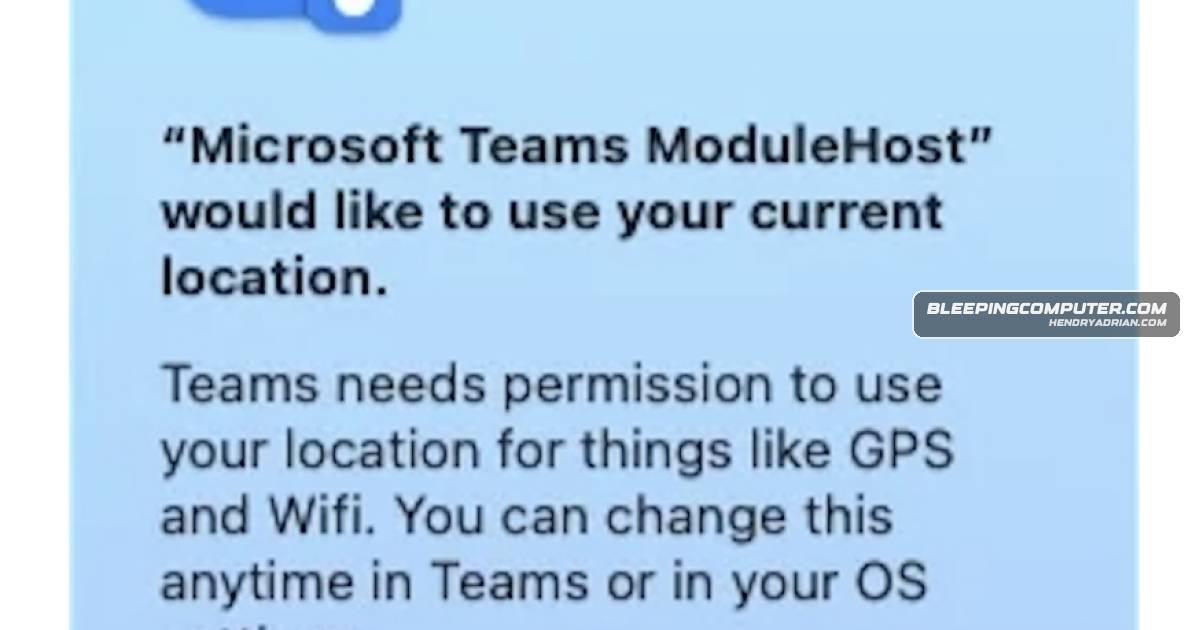
Microsoft says a recent macOS security update is causing repeated, non-dismissible location prompts for some Teams users. It is working with Apple on a fix and advises affected users to reset Teams location permissions in macOS settings.
Key points
- Microsoft identified the issue as incident TM1315837 and says it affects some Mac users who enabled location access in Teams.
- Affected users report that location permission prompts reappear even after they select “Don’t Allow.”
- Microsoft says a recent macOS security update is preventing the system from retaining Teams location-permission selections.
- Microsoft is working with Apple and investigating a Teams-side fix.
- As a workaround, users can adjust Microsoft Teams and Microsoft Teams ModuleHost permissions under macOS Location Services.
Article Details
- Event Type
- Microsoft Teams macOS location-permission prompt issue caused by a recent macOS security update
- Impact
- Some Microsoft Teams users on Mac who enabled location access receive repeated, non-dismissible prompts because macOS does not retain their permission selections. Microsoft described the incident as limited in scope or impact; the article does not report the number of affected users or regions.
Vendors
AppleThe company is working with Apple and investigating a Teams-side fix while advising affected users to reset location settings manually.MicrosoftMicrosoft confirmed that some Teams users on macOS are seeing repeated, non-dismissible location permission prompts caused by a recent macOS security update.