
Live Tutorial Builds an Internal Email Lab for Phishing Tests
· 55:59 · Watch on YouTube ↗
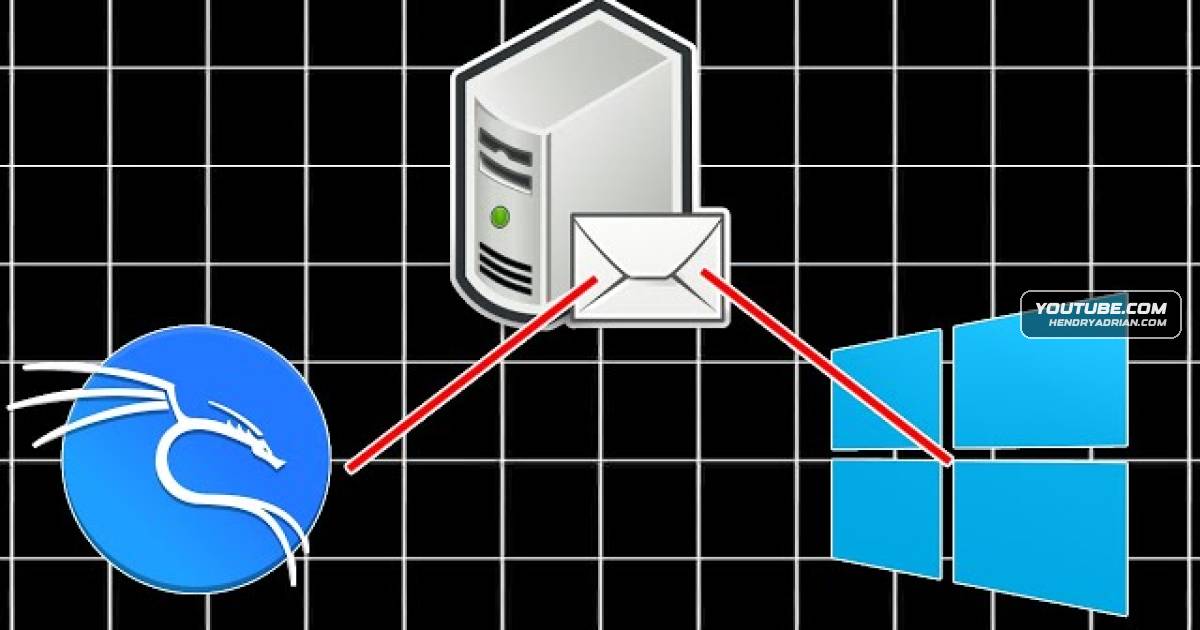
Summary
The presenter builds an internal email lab with hMailServer, configures SMTP and email clients, verifies authenticated message delivery, and demonstrates administrator sender impersonation for future phishing exercises.
Key points
- The presenter sets up an internal email lab, placing the mail server on a domain controller and configuring DNS and email clients.
- The presenter notes that hMailServer is no longer supported or maintained, but chooses it for exploit practice in a hacking lab—not for a non-hacking setup.
- Test accounts and SMTP settings are configured; troubleshooting includes removing an IP-range ban that prevented a mail client from connecting.
- A command-line email test succeeds with authentication, and the presenter reports testing Active Directory authentication.
- Thunderbird is connected to the lab server; the attempt to configure Outlook is unsuccessful.
- The presenter demonstrates sending a test message with the sender impersonated as an administrator and plans further phishing scenarios in the lab.
Article Details
- Topics
- [00:24] Building internal email infrastructure for phishing exercises
- [01:59] Planning the domain controller, email server, and client setup
- [03:11] Choosing hMailServer and email clients
- [04:43] Considering the risks of using an unsupported mail server in an exploit-practice lab
- [08:25] Configuring mail accounts, SMTP, and DNS
- [28:06] Testing email delivery and troubleshooting client access
- [51:09] Demonstrating administrator sender impersonation for phishing scenarios