
Ligolo-NG Tutorial Demonstrates Tunneling in a Virtual Penetration-Testing Lab
· 24:34 · Watch on YouTube ↗
Summary
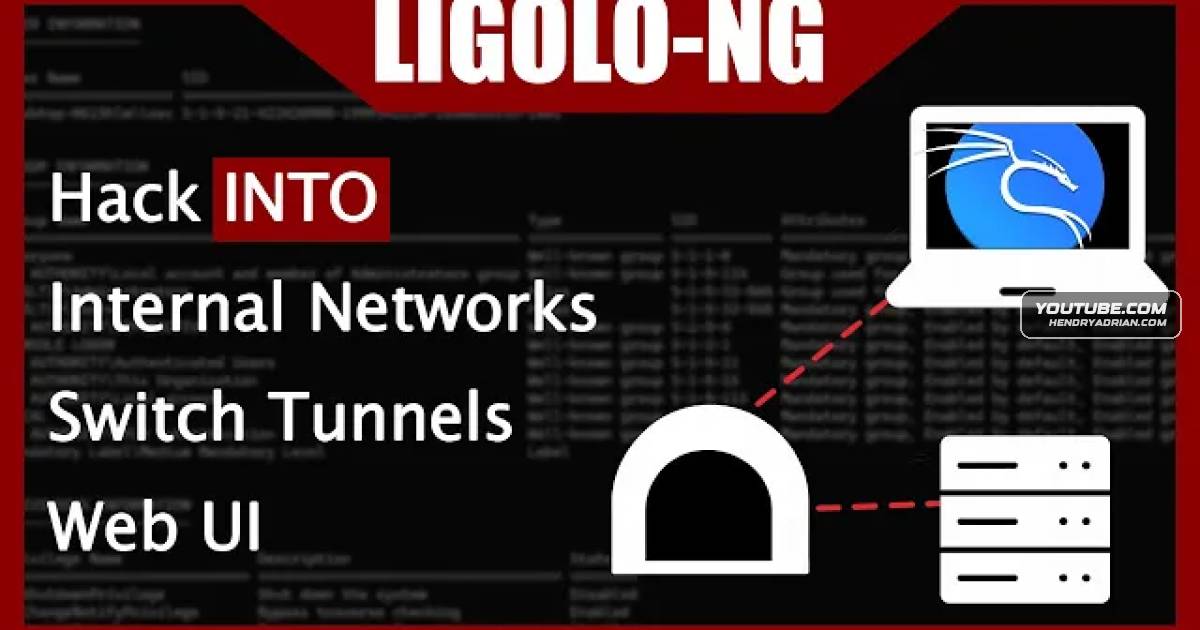
A hands-on Ligolo-NG tutorial configures a virtual lab, connects an agent to a proxy, and routes traffic to internal hosts for network scanning. The presenter also discusses detection and evasion considerations.
Key points
- The presenter builds a simulated network with a bridged VM, a pfSense firewall and an isolated internal subnet to demonstrate tunneling.
- Ligolo-NG uses a proxy and agent, with a web interface and separate routes and interfaces for managing tunnel sessions.
- The demo connects an agent on a simulated Windows host to a proxy on Kali and configures a route to the internal subnet.
- An initial Nmap scan of a lab domain controller fails because of incorrect routing; the presenter corrects the route and retries.
- The presenter describes using network tools through the tunnel to reach internal systems, including NXC and LDAP.
- The presenter cautions that plain port 80 traffic may be blocked and says public builds may be detected; code obfuscation and redirecting traffic through port 443 are discussed as evasion options.
Article Details
- Topics
- [00:45] Lab network architecture and the purpose of tunneling
- [06:21] Ligolo-NG tunneling, proxying and managing multiple sessions
- [09:14] Downloading and starting the Ligolo-NG proxy
- [13:47] Using the web interface and configuring internal network routes
- [17:15] Connecting the agent and establishing the tunnel
- [19:24] Testing internal network access and troubleshooting routing
- [22:02] Detection, obfuscation and port-redirection considerations