
Red-Team Lab Demonstrates Open-Relay Phishing Risk with GoPhish
· 18:23 · Watch on YouTube ↗
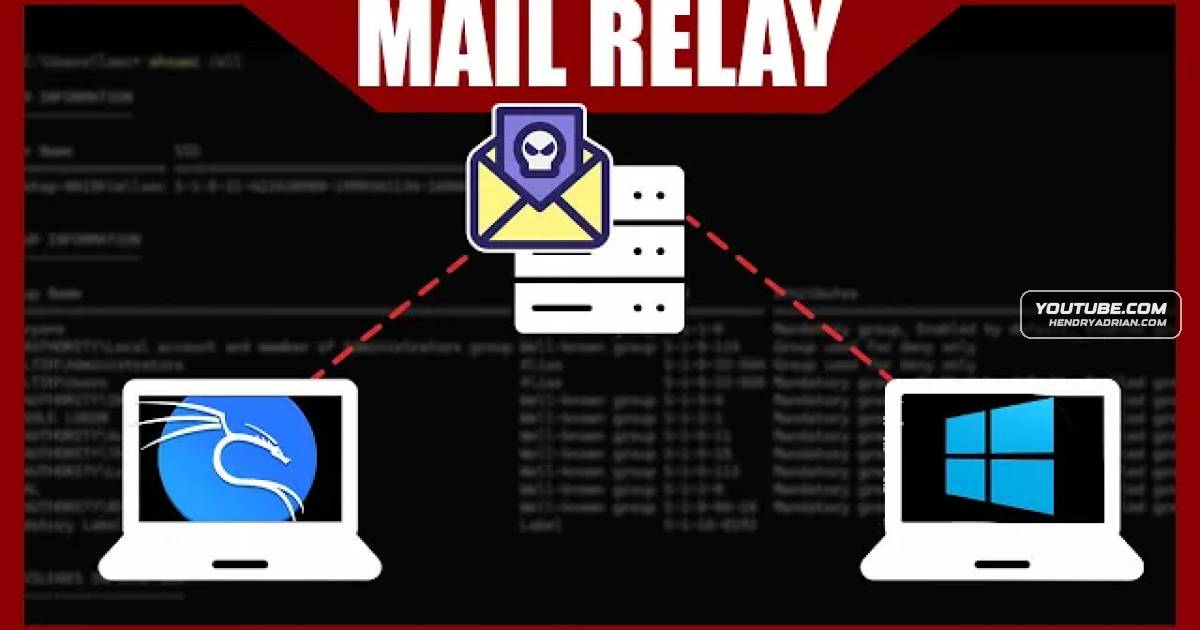
Summary
A red-team lab demonstrates how to identify SMTP servers, test for unauthenticated open relays and sender impersonation, then connect a relay to GoPhish. The speaker recommends checking internal and exposed mail servers.
Key points
- The presenter uses an Nmap scan for SMTP port 25 and DNS MX records to locate mail servers.
- In the lab, an intentionally unauthenticated mail relay accepts messages without SMTP credentials.
- The demonstration shows sending email with an impersonated sender address, including an administrator identity.
- The presenter configures a GoPhish SMTP sending profile and describes using templates, landing pages and target lists for phishing campaigns.
- The speaker advises testing both internal and externally exposed mail servers for unauthenticated sending and sender impersonation.
- For real-world operations, the presenter recommends custom-building and obfuscating GoPhish to make detection more difficult.
Article Details
- Topics
- [02:22] Finding mail servers with SMTP scans and DNS MX records
- [04:20] Sending test email through the lab mail server
- [06:40] Testing an open relay and impersonating sender identities
- [10:37] Installing and starting GoPhish
- [13:02] Configuring a GoPhish SMTP sending profile
- [16:19] Testing mail servers for relay and impersonation risks