
Building a Red Team Lab With a Firewall and Active Directory Domain Controller
· 1:02:11 · Watch on YouTube ↗
Summary
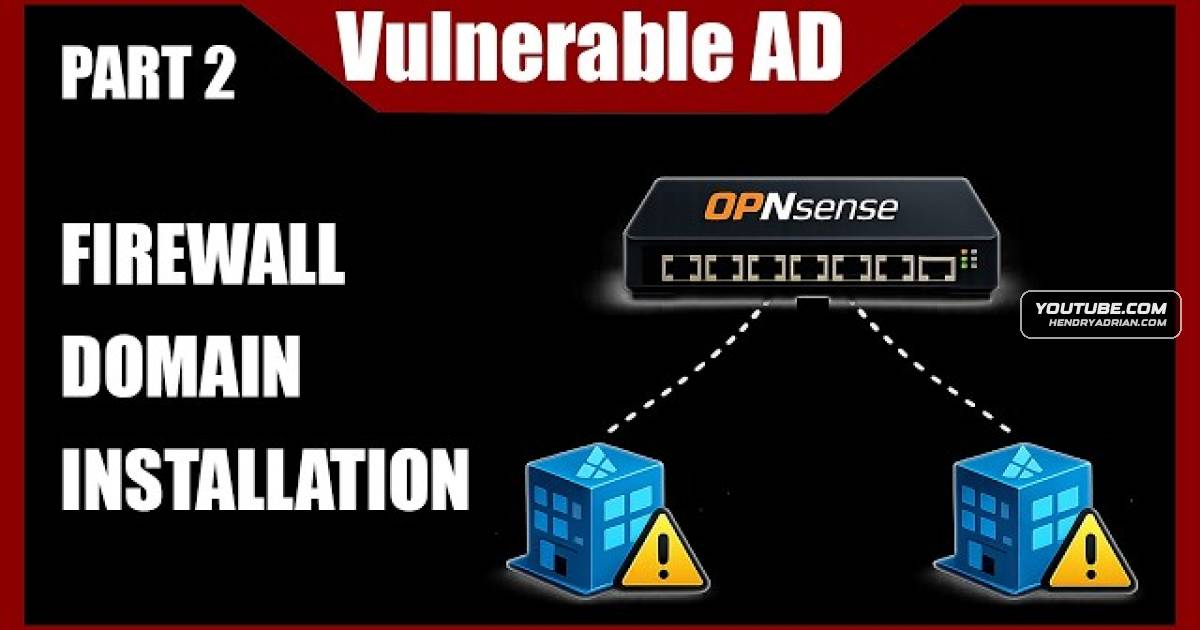
A hands-on tutorial builds the foundation of an intentionally vulnerable Active Directory lab, installing a virtual firewall and using an AI-generated PowerShell script to configure a Windows Server domain controller.
Key points
- The presenter configures a virtual firewall with separate bridged external and internal network adapters for the testing lab.
- An AI-generated PowerShell script installs the domain controller; the presenter resolves password requirements before it completes successfully.
- The presenter uses a password manager to generate and store a new firewall root password after losing the previous one.
- The firewall initially restricts web UI access to the internal interface. The presenter temporarily disables filtering, then creates an HTTPS rule and changes the private-network setting to restore access.
- The presenter discusses delegation and its potential security implications, while noting uncertainty about parts of the explanation.
- The presenter plans to publish lab automation scripts and add intentionally vulnerable users and configurations in later work.
Article Details
- Topics
- [00:44] Reinstalling the lab firewall after losing its root password
- [03:30] Configuring external and internal firewall network adapters
- [08:37] Active Directory delegation and security implications
- [20:14] Firewall interface addressing, DHCP, and management access
- [25:16] Creating a Windows Server 2019 domain controller virtual machine
- [35:58] Automating domain controller installation with PowerShell
- [49:49] Troubleshooting firewall web UI access
- [01:00:01] Verifying domain controller hostname and DNS