
Shark Jack Display Adds On-Device Results for Network Testing
· 2:24 · Watch on YouTube ↗
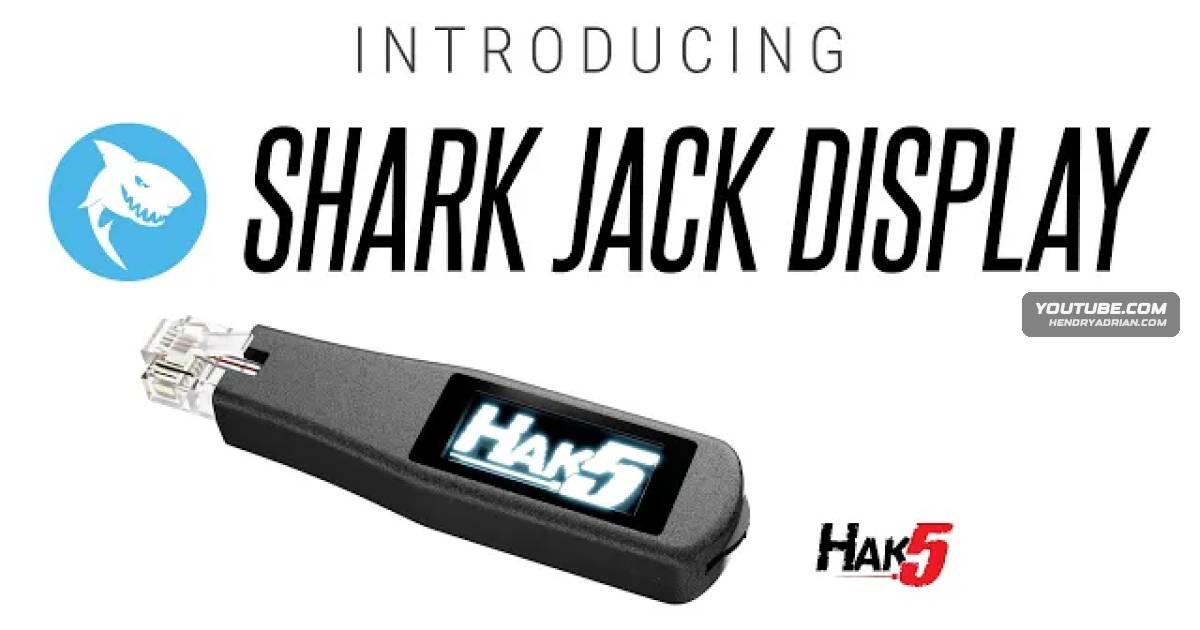
Summary
Darren Kitchen introduces the Shark Jack Display, a portable Linux device for network scans and payloads. He highlights its screen, interactive payload controls, longer battery life, Cloud C2 access and Shark Link support.
Key points
- The presenter describes the Shark Jack Display as a portable Linux device that scans networks, runs payloads and displays results without a computer.
- It comes with a crash course and thousands of payloads and examples; the presenter says payloads can be updated on the device.
- The device supports Nmap, curl, netcat and interactive payloads built with Ducky Script.
- Hardware features include an OLED display for real-time results, a rocker switch for interactive payloads and double the battery life.
- The presenter says Cloud C2 lets users access a shell and exfiltrate from a browser.
- Shark Link is presented as a way to use two devices to locate one another across complex VLANs and firewalls.
Article Details
- Topics
- [00:31] Shark Jack Display network scanning, payload execution and on-device results
- [00:56] Crash course, preloaded payloads and device updates
- [01:09] Linux tools and interactive Ducky Script payloads
- [01:30] Display, controls, battery life and Cloud C2 capabilities
- [01:51] Shark Link for locating paired devices across networks